
Picture this: You're hustling down a snowy Brooklyn street, breath visible in the frigid February air, when you pull out your iPhone to check the subway schedule. The battery shows 40%, but suddenly, click, the screen goes black. Your phone just gave up on you, right when you needed it most.
Sound familiar? You're not alone. Every winter, thousands of New Yorkers experience this frustrating freeze-out. But here's the thing: your iPhone isn't broken. It's just really, really cold.
The Cold, Hard Truth About Your iPhone's Battery
Your iPhone is basically a tiny computer wrapped in glass and aluminum, and just like you, it doesn't love New York winters. Apple designed your device to work best between 0 and 35 degrees Celsius (32 to 95 degrees Fahrenheit). But when those Manhattan winds whip down the avenues and Brooklyn streets turn into ice rinks, your phone starts struggling.
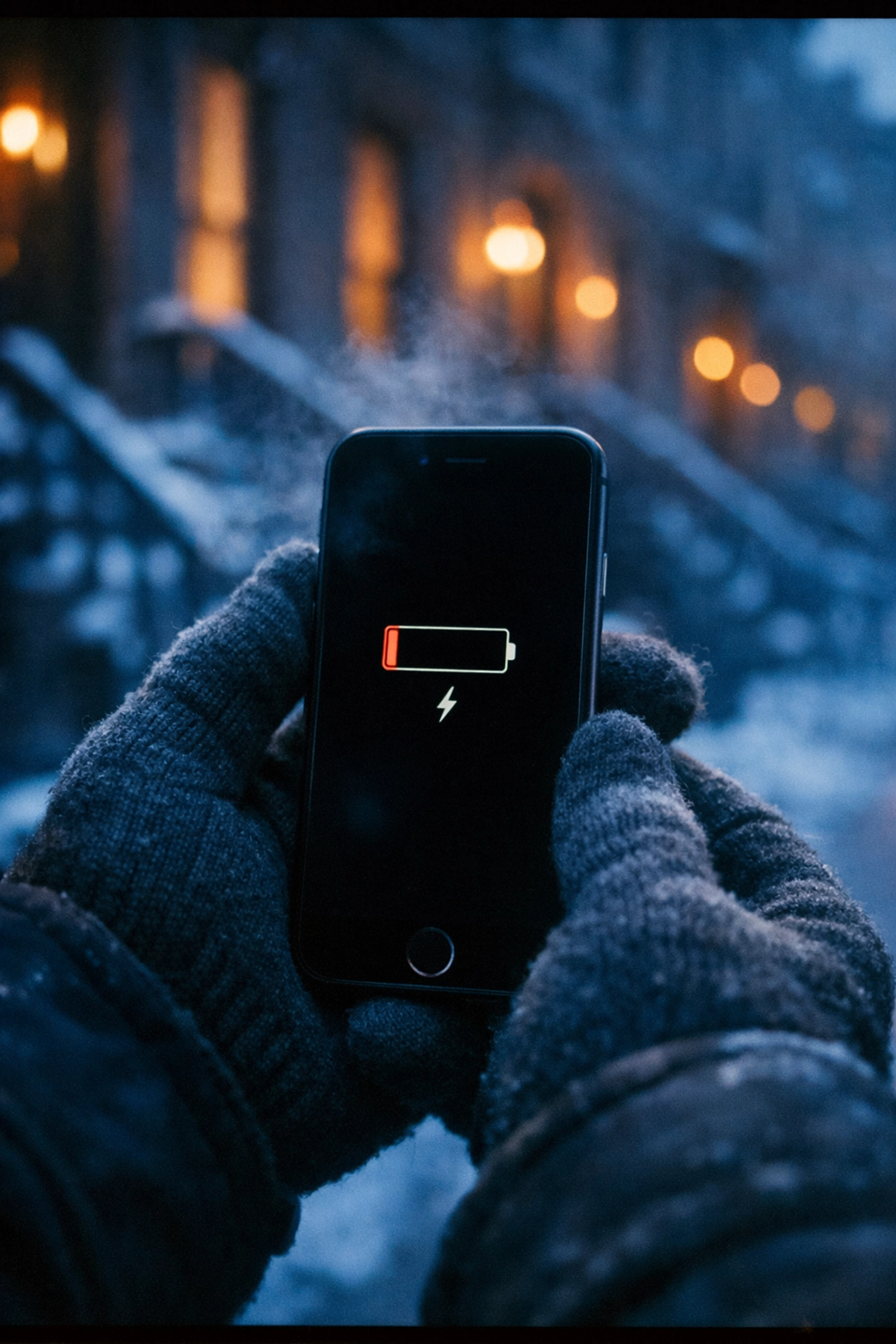
Here's what's happening inside that sleek device: lithium-ion batteries rely on chemical reactions to generate power. When temperatures drop below freezing, those ions move like molasses, sluggish, slow, and seriously inefficient. At around zero degrees Fahrenheit (that brutal January cold we all know too well), your battery might only deliver 50% of its normal capacity.
That's why your phone shows 30% battery and then suddenly shuts down. It's not lying to you, the battery meter just can't accurately read what's happening when everything inside is moving at a glacial pace.
What Goes Wrong When Your iPhone Gets Cold
Beyond the battery betrayal, cold temperatures trigger a cascade of cranky consequences:
Unexpected shutdowns become your new normal. Your iPhone's power management system actually forces shutdowns to protect internal components from damage. It's basically your phone saying, "Nope, too cold, I'm out."
Charging becomes impossible. Pull out your phone in that cozy Park Slope café, plug it in, and you might see "Charging On Hold" flash across the screen. Your iPhone won't charge until it warms up to a safe temperature: which means you're stuck waiting with a dead device.
Performance plummets. Apps launch slower than the L train during rush hour. Scrolling feels sticky. Your camera freezes (pun intended). Everything that normally feels smooth and responsive turns sluggish and frustrating.
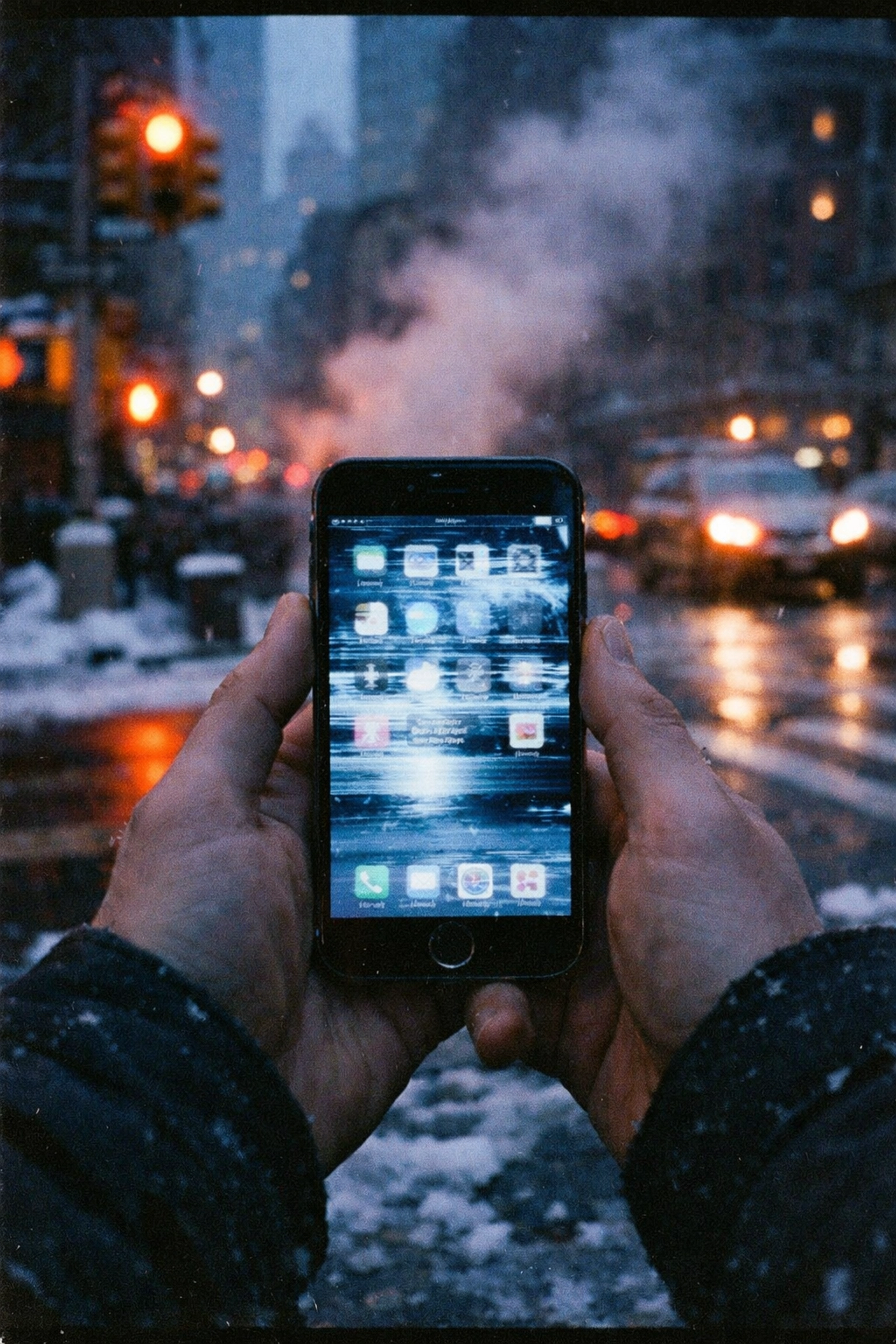
The screen gets weird. You might notice ghosting, smearing, or delayed response when you tap. In extreme cold, LCD screens literally slow down because the liquid crystals inside become more viscous.
The Hidden Danger Nobody Talks About
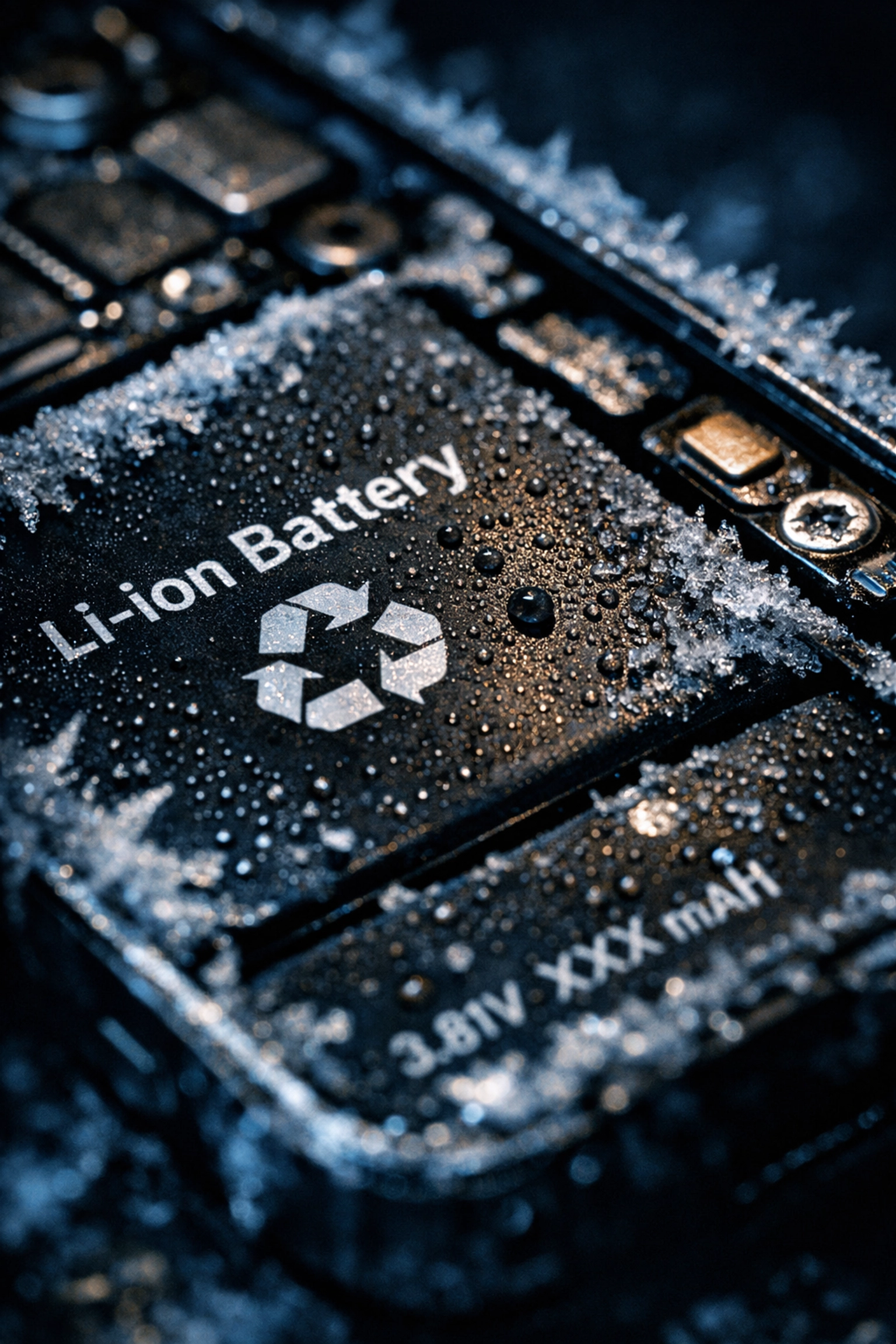
Here's something most people don't know: charging a frozen iPhone can actually damage the battery. When you plug in a cold lithium-ion battery, you risk something called lithium plating, basically, metal deposits form inside the battery, permanently reducing its capacity and creating potential fire hazards.
So that instinct to immediately charge your phone when you get inside? Hold off for 15-20 minutes and let it warm up naturally first.
How to Keep Your iPhone Happy During NYC Winters
Protection is pretty straightforward, but you'd be surprised how many people skip these simple steps:
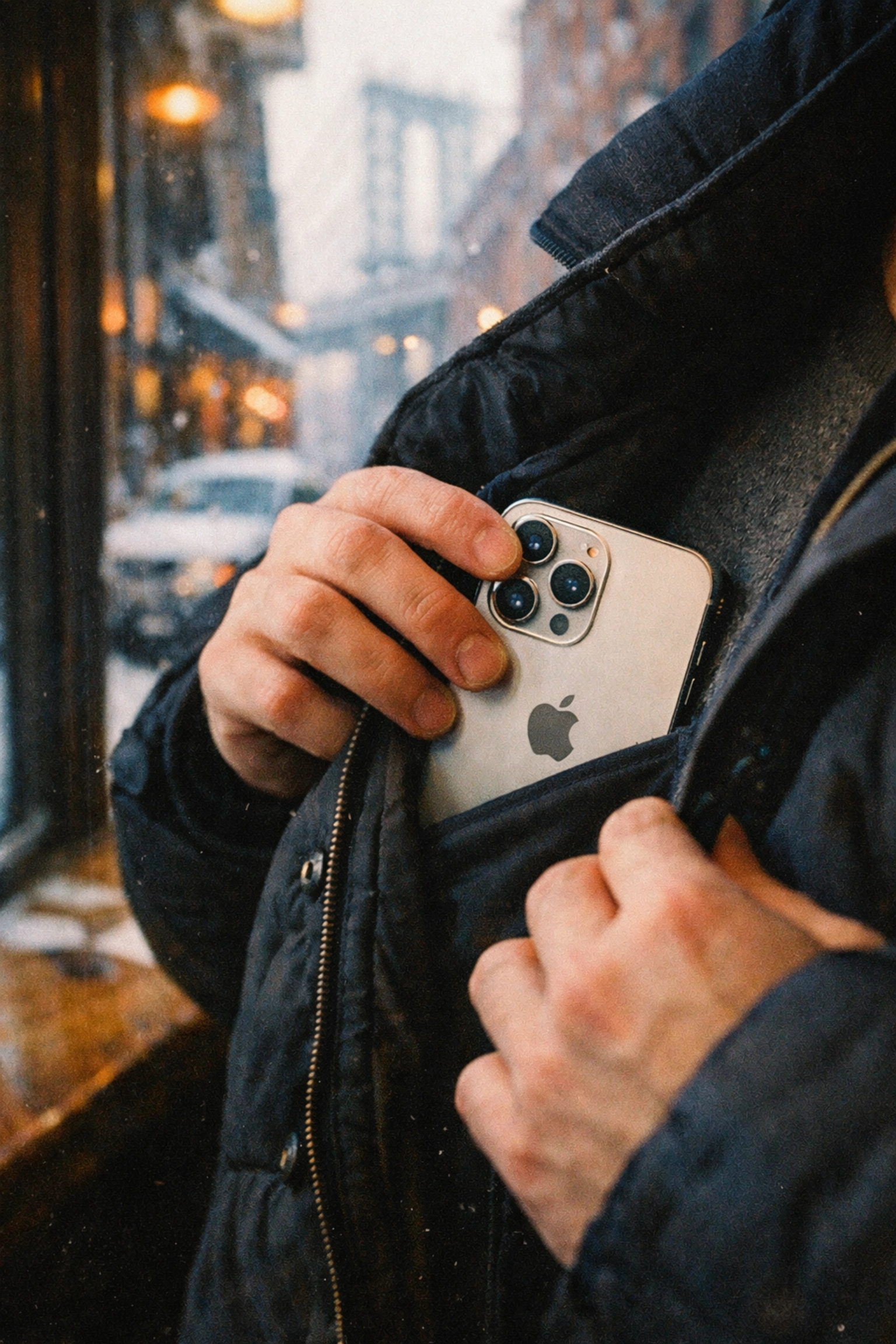
Deep pocket placement is your friend. Store your phone in an inside coat pocket, close to your body. Your body heat creates a protective microclimate that keeps your device functioning normally. Front pockets work better than back pockets, and inside layers beat outer pockets every time.
Invest in a quality case. While cases won't magically make your phone warm, they provide insulation that slows heat loss. Every degree counts when you're battling below-freezing temperatures.
Don't leave it in the car. That Uber you took to Williamsburg? Don't leave your phone in the back seat overnight. Cars become refrigerators in winter, and your iPhone will suffer for it.
Carry a power bank. When your battery inevitably drains faster in cold weather, having backup power means you're never stranded. Just remember to keep the power bank warm too: it uses the same lithium-ion technology.
When Cold Weather Causes Real Damage
Sometimes, repeated exposure to extreme cold can cause lasting problems. If your iPhone has been through multiple New York winters, you might notice:
- Battery health percentage dropping faster than normal
- Inability to hold a charge even in warm conditions
- Unexpected shutdowns happening even indoors
- Charging port issues from condensation damage
That's where we come in.
Why Mobile Repair Is Perfect for Winter Woes
Let's be real: The last thing you want to do on a frigid February day is trek across town to drop off your phone at some repair shop, then trek back again days later to pick it up. You're already dealing with dead batteries and delayed trains: why add more inconvenience?
Repaired Collective brings the repair shop to you. We offer same-day, mobile service throughout Manhattan and Brooklyn. Our technicians show up where you are: your apartment in Bed-Stuy, your office in Midtown, your favorite coffee spot in Bushwick: equipped with everything needed to diagnose and fix your cold-damaged device on the spot.
Battery acting up after too many frozen commutes? We'll swap it out for a premium replacement that restores your iPhone's original performance. Charging port damaged from condensation? We can fix that too. Screen acting wonky after temperature swings? We've got you covered.
The best part? You don't have to be phoneless for days. Most repairs take under an hour, which means you get your device back before your coffee gets cold.
Prevention Beats Repair (But We're Here Either Way)
Look, we'd rather see you prevent cold-weather damage than need repairs. Keep your phone warm, avoid charging when it's frozen, and give it time to adjust to temperature changes. These simple steps can extend your battery's lifespan and keep your iPhone running smoothly through every New York winter.
But we also know that life happens. You forget your phone in your coat pocket during that long walk across the Williamsburg Bridge. You need to take photos in Prospect Park during a snowstorm. You're waiting for the bus on Atlantic Avenue while your battery quietly quits on you.
When prevention fails and your iPhone needs professional attention, don't waste time with generic repair shops that treat every device like it's the same. Temperature-related issues require specific knowledge and quality parts to fix properly.
We've spent years perfecting repairs for devices that have suffered through New York's notorious weather swings. We understand the unique challenges that come with urban winters: the constant indoor-outdoor temperature changes, the moisture from snow and slush, the brutal wind exposure during commutes.
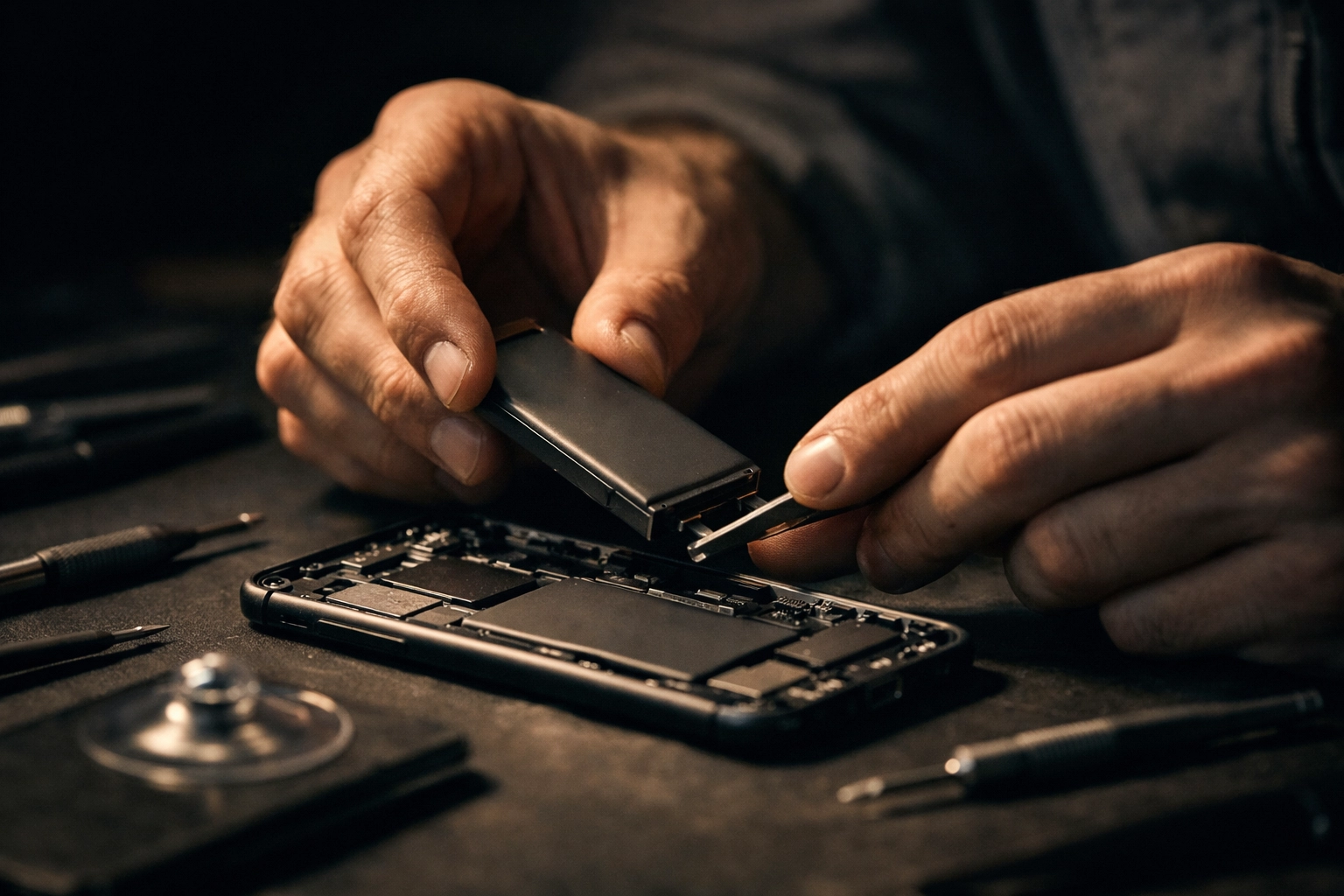
Get Your iPhone Fixed Today
Your iPhone shouldn't hold you hostage to the weather. Whether you're dealing with sudden shutdowns, battery drain, or any other cold-weather casualties, book an appointment at Repaired Collective and get your device back to peak performance: fast.
We'll come to you, fix your phone quickly and professionally, and make sure you're not left disconnected when you need your device most. Because in New York City, staying connected isn't just convenient; it's essential.
Stay warm out there, and keep your iPhone warmer.
#RepairedCollective #PhoneRepairNYC #NYC #Brooklyn #TechRepair #RightToRepair #EWaste #SustainableTech #RepairNotReplace