
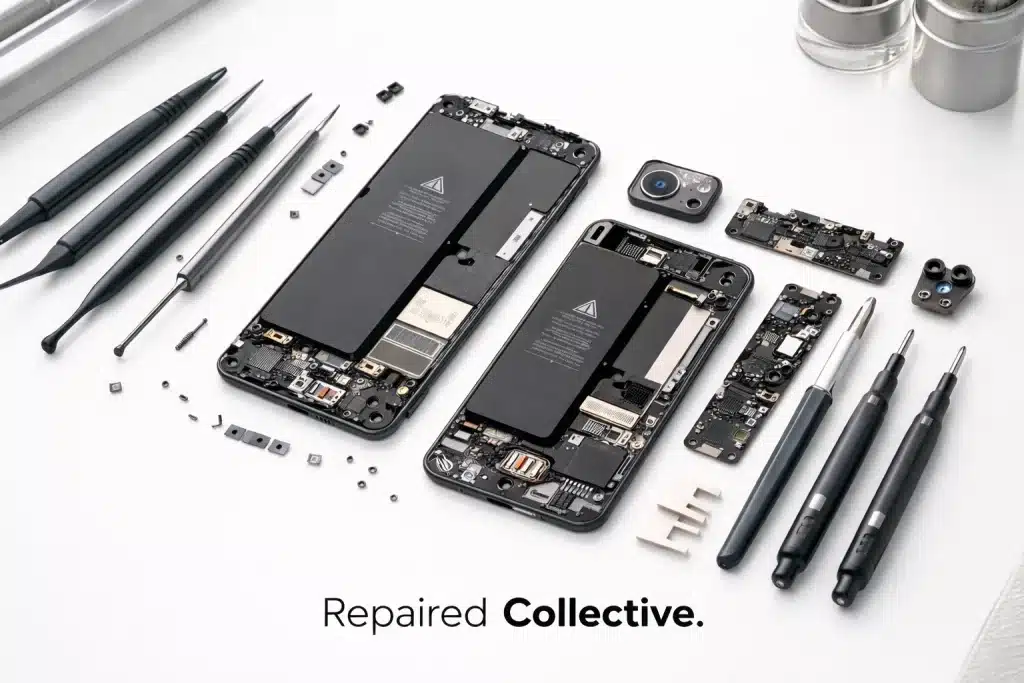
You finally updated to iOS 26. Things felt fresh for about five minutes. Now your iPhone is sluggish, overheating, and dying faster than your motivation on a Monday morning. Sound familiar?
Here's the thing, every time Apple drops a major update, we get flooded with messages from folks across NYC asking the same question: "Did this update kill my phone, or is something actually wrong?"
It's a fair question. And honestly? The answer isn't always obvious. Software updates can be resource hogs, especially on older devices. But sometimes that laggy, battery-draining nightmare you're experiencing has nothing to do with iOS 26 at all. Sometimes, your battery is just… done.
Let's break down how to tell the difference, and what to do about it so you can get back to doom-scrolling in peace.
The Great iOS Update Blame Game
Every single iOS release follows the same pattern. Apple announces shiny new features. You update. Your phone acts weird. You blame the update.
And look, you're not entirely wrong. Major iOS updates often cause temporary performance dips. Your phone is reindexing files, optimizing apps, and doing a bunch of background housekeeping that can drain your battery and slow things down for a few days.
But here's where it gets tricky: if your battery was already hanging on by a thread before the update, iOS 26 might have just exposed the problem. That update didn't kill your battery, it just finally made the damage impossible to ignore.
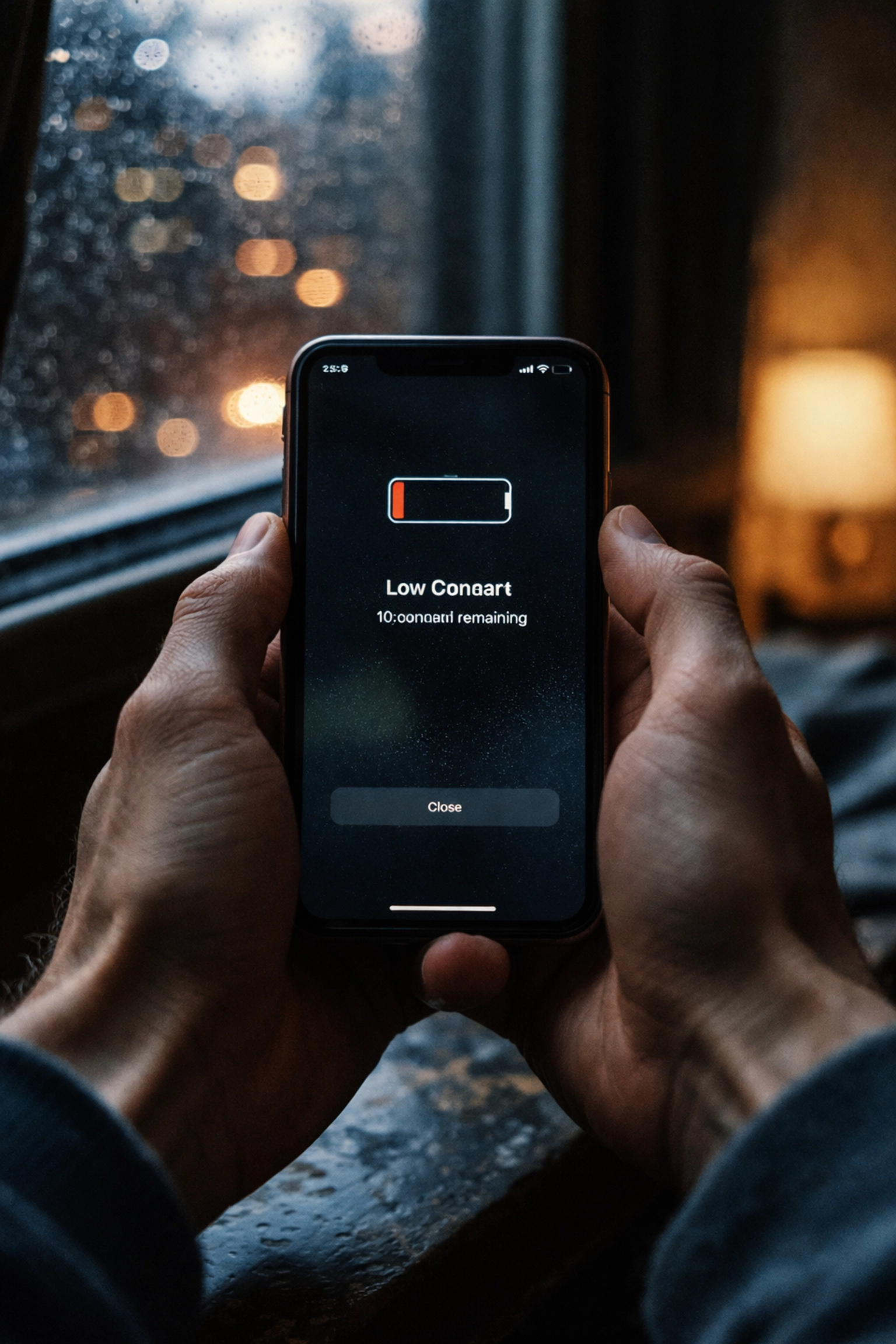
Signs Your Battery Is the Real Culprit
Let's talk about deadbeat batteries. If your iPhone is showing any of these symptoms, there's a good chance iOS 26 isn't the villain here:
Your phone dies at 30% (or higher). This is the classic sign of a degraded battery. If your iPhone shuts down with plenty of juice supposedly left, the battery can no longer hold an accurate charge. No software update causes this, it's pure hardware degradation.
Random shutdowns when it's cold. Lithium-ion batteries hate the cold, but a healthy battery can handle a chilly Brooklyn morning. If your phone is powering off the second you step outside, that's a worn-out cell struggling to deliver power.
The back of your phone gets hot. Like, really hot. Some warmth during heavy use is normal. But if your iPhone feels like it's auditioning for a space heater, your battery might be working overtime to compensate for reduced capacity.
Your battery health percentage is below 80%. Apple literally tells you when your battery is struggling. More on how to check this in a minute.
You've had your iPhone for 2+ years without a battery swap. Batteries aren't built to last forever. After about 500 charge cycles (roughly two years of normal use), degradation kicks in hard.
Signs It's Actually iOS 26
Alright, let's give iOS 26 its fair share of blame where it's deserved. Here's when the software is more likely the issue:
Your phone was perfectly fine until the exact moment you updated. If your battery was holding strong charges and your phone was snappy right up until iOS 26 landed, the timing points to software.
Apps are crashing or freezing constantly. This is usually an app compatibility issue. Developers sometimes need a few weeks to catch up with major iOS releases.
Background activity is through the roof. Check Settings > Battery to see what's eating your power. If you see apps like Photos, Mail, or iCloud running constantly in the background, iOS might be doing post-update optimization work. Give it 48-72 hours before panicking.
Your battery health is still above 85%. If your battery health looks solid and you're still experiencing drain, odds are it's software-related and might resolve itself, or need a reset.

How to Check Your Battery Health (Takes 30 Seconds)
Before you do anything else, check your battery's actual condition. Apple makes this easy:
- Open Settings
- Tap Battery
- Tap Battery Health & Charging
You'll see two key numbers here:
Maximum Capacity: This shows your battery's current capacity compared to when it was new. If you're at 79% or below, Apple considers your battery "degraded" and recommends replacement.
Cycle Count: A full charge cycle equals draining 100% of your battery's capacity (not necessarily all at once). iPhones are designed to retain 80% capacity at 500 cycles. If you're way past that, your battery has lived a full life.
For even more detail, dig into Settings > Privacy & Security > Analytics & Improvements > Analytics Data and search for "batterystats." It's a bit nerdy, but it'll show you the exact cycle count and original capacity.
The Miracle of Battery Replacements
Here's the part where we talk about resurrections.
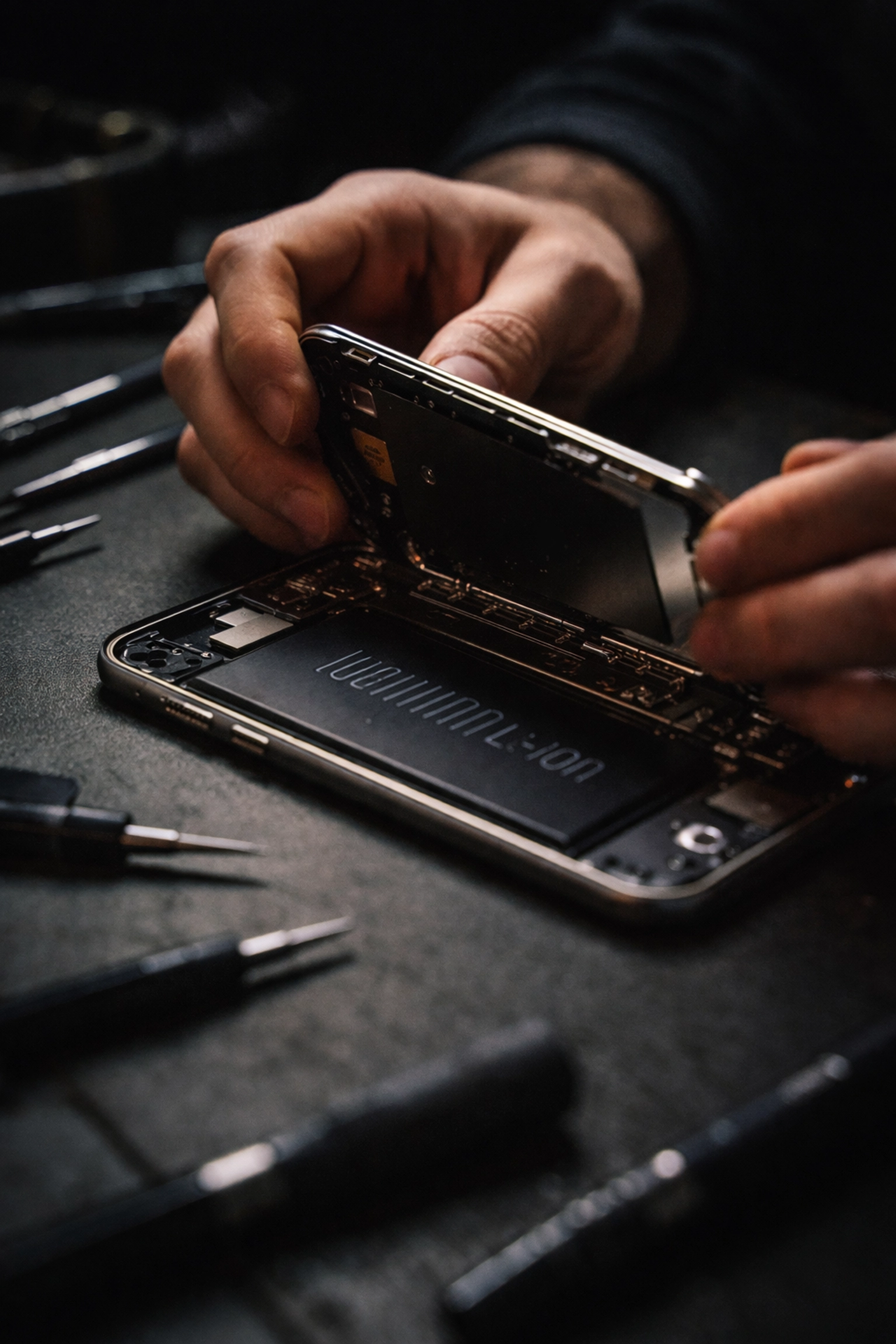
Seriously, we call it the miracle of battery replacements because that's exactly what it feels like. People come to us convinced their iPhone is done. They're ready to drop a grand on a new phone. And then we swap out the battery and suddenly they're holding a device that feels brand new.
A fresh battery means:
- Full-day charges again (sometimes two days for light users)
- No more random shutdowns
- Faster performance (yes, Apple throttles phones with degraded batteries)
- A phone that doesn't feel like it's fighting you
And here's the kicker: iPhone repairs in NYC don't have to be a hassle. You don't need to trek to an Apple Store, wait in line, and leave your phone for days.
We Come to You. Seriously.
This is where Repaired Collective does things differently.
We offer mobile phone repair in NYC that actually comes to you. Your apartment in Williamsburg. Your office in FiDi. Your favorite coffee shop in Park Slope. Wherever you are, we'll meet you there with spry solutions for your disfigured devices.
No shipping your phone away. No sitting in a crowded store. Just fast, professional repairs on your schedule.
Our technicians show up equipped with premium parts and the expertise to diagnose whether you're dealing with a software hiccup or hardware that's hit its limit. If it's a battery issue, we can have you back to 100% capacity in under an hour: often while you grab lunch or finish a meeting.

When to Actually Worry (And When to Chill)
Let's recap so you know exactly what to do:
Chill for now if:
- You just updated to iOS 26 within the last 72 hours
- Your battery health is above 85%
- Apps are acting buggy but your battery holds a charge
- A simple restart or settings reset might help
Time to act if:
- Your battery health is at or below 80%
- Your phone dies randomly at high percentages
- You've had your device 2+ years without a battery replacement
- Performance feels throttled even after the post-update dust settles
Don't Let a Dying Battery Hold You Back
Look, we get it. Figuring out whether it's iOS 26 or your battery can feel like playing detective. But here's the good news: either way, there's a fix.
If it's software, a little patience (and maybe a reset) will sort things out. If it's hardware, a battery replacement is one of the most affordable, impactful repairs you can do. It's literally the difference between a phone that fights you all day and one that just works.
And with Repaired Collective's mobile service, getting that repair done is easier than ordering takeout. We bring resilient remedies right to your door: because New Yorkers have better things to do than wait around.
Ready to find out what's really going on with your iPhone? Book an appointment and let's get you taken care of. We'll diagnose the issue, give you honest answers, and have your phone running like new: fast.
Because your tech should work for you, not against you. That's the Repaired Collective promise.
#RepairedCollective #PhoneRepairNYC #NYC #Brooklyn #TechRepair #RightToRepair #RepairNotReplace #SustainableTech #CircularEconomy