
It’s the split-second sound that makes every heart in Brooklyn skip a beat: the splash. Whether it’s a slip into a sink in Bed-Stuy or a tumble into a puddle on a rainy DUMBO afternoon, when you've dropped phone in water, the clock starts ticking immediately.
At Repaired Collective., we see it every day. A submerged smartphone isn’t necessarily a death sentence, but the outcome depends entirely on what you do in the first 30 minutes. Water and electricity are ancient enemies, and when they meet inside your iPhone or Android, the results can be catastrophic.
This is your emergency survival guide. No fluff, no myths, just the expert-backed, immediate actions you need to take to maximize your chances of a successful water damage phone fix.
Minutes 0-5: The Immediate Rescue Mission
The first five minutes are the most critical. Your goal isn't to fix the phone yet; it’s to stop the damage from spreading. When liquid enters a device, it creates tiny bridges between electrical components that shouldn't be connected. This causes short circuits that can "fry" your motherboard in seconds.
1. Retrieve and Power Down Immediately
The longer it stays submerged, the deeper the liquid seeps. Grab it, wipe it off, and turn it off right now. If the screen is black, don't try to turn it on to "check if it works." If it’s on, shut it down. Powering down cuts off the electrical flow, which is the single most important step in preventing a permanent short circuit.
2. Strip It Bare
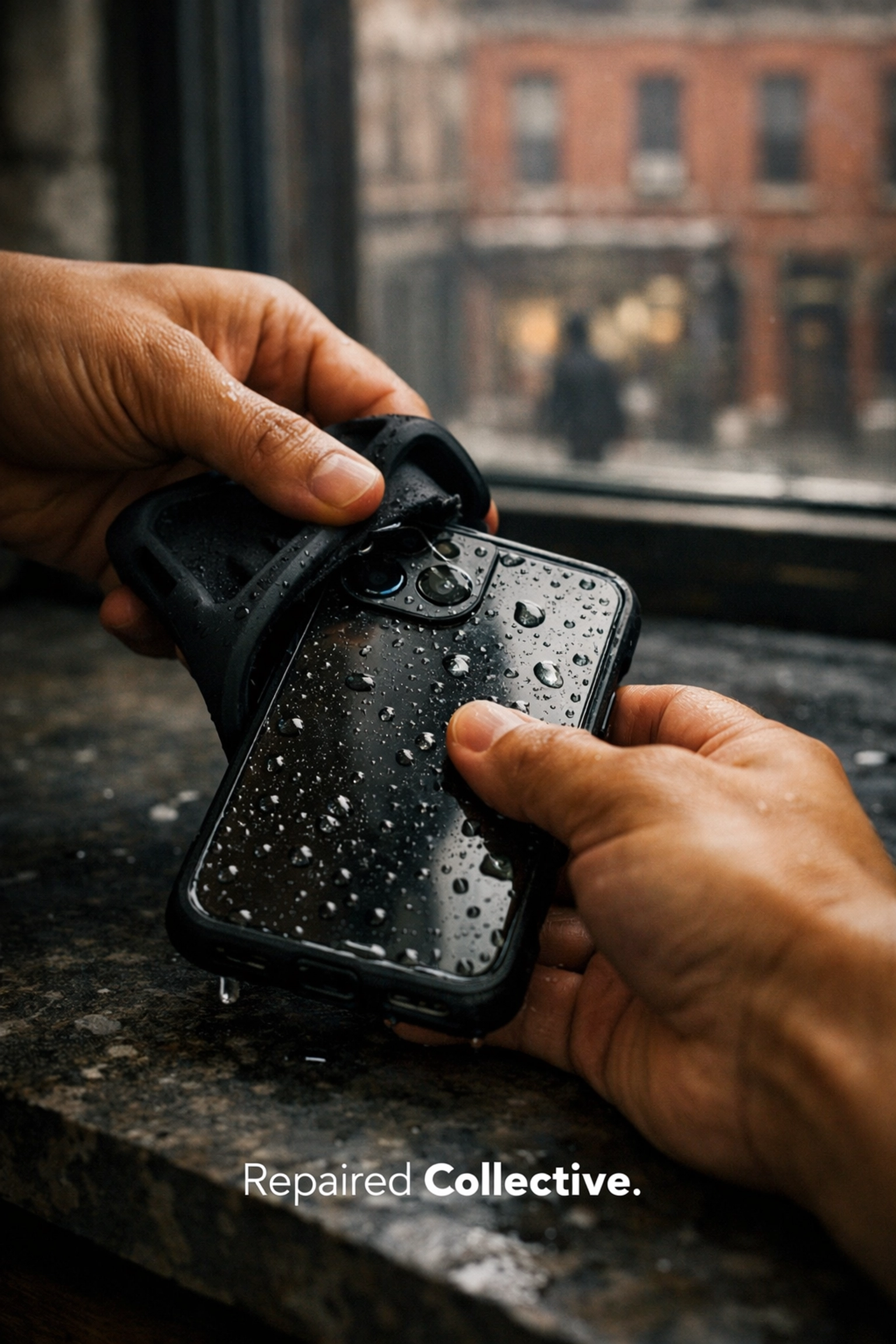
Modern smartphones are built with tight tolerances, but they still have "pathways of least resistance" for water. Remove your case immediately. Cases, especially heavy-duty ones, are notorious for trapping moisture against the phone’s seams, forcing liquid into the speakers and charging ports.
If you have a screen protector that is peeling or cracked, remove that too. You want to expose as much of the device's exterior as possible to allow for airflow.
Minutes 5-15: Clearing the Ports and Paths
Once the power is killed and the accessories are gone, you need to focus on the openings. Every port is a potential entry point for liquid, and an exit point if you’re smart about it.
3. Remove the SIM Tray and SD Cards
Using a SIM tool (or a paperclip), pop the tray. This creates a small but vital ventilation point. In many devices, the SIM slot is one of the few places where air can actually reach the internal chassis. Place your SIM card and any microSD cards on a dry cloth. These cards are resilient, but they can still suffer from corrosion if left in a damp tray.
4. The Gravity Shake and Gentle Dab
Hold your phone firmly with the charging port facing downward. Give it a few gentle, steady shakes. You’ll likely see droplets emerge from the USB-C or Lightning port. Do not shake it violently, as this can actually force water deeper into the internal camera modules or under the display.
Use a lint-free cloth (like a microfiber towel or a clean t-shirt) to dab the exterior dry. Do not use paper towels or napkins, which can leave behind lint or debris that clogs your speakers.
Minutes 15-30: Debunking the Rice Myth
By the 20-minute mark, many people reach for a bag of Uncle Ben’s. Stop.
At Repaired Collective., we want to be very clear: Rice does not fix water-damaged phones. In fact, it often makes things worse.
Why the Rice Method is a Dangerous Myth
While rice is an absorbent grain, it is not a desiccant powerful enough to pull moisture out of a sealed electronic device. Worse yet, rice is covered in fine starch and dust. When that dust meets the moisture inside your phone, it turns into a gummy paste that clogs ports and hardens on the logic board. We’ve seen countless devices that could have been saved if they hadn't been "suffocated" in a bag of rice, which actually traps humidity inside the phone rather than drawing it out.
What NOT to Do:
- No Hair Dryers: Extreme heat can melt the adhesive seals that keep your phone together and warp the delicate OLED display.
- No Microwaves or Ovens: We wish we didn't have to say this, but please, keep your tech out of the kitchen appliances.
- No Charging: Do not, under any circumstances, plug your phone into a charger for at least 48 hours: or until a professional has inspected it.
Why Water Damage is a "Silent Assassin"
You might follow these steps, wait an hour, turn the phone on, and find that it works perfectly. You might think you’ve dodged a bullet. Unfortunately, water damage is often a slow-motion disaster.
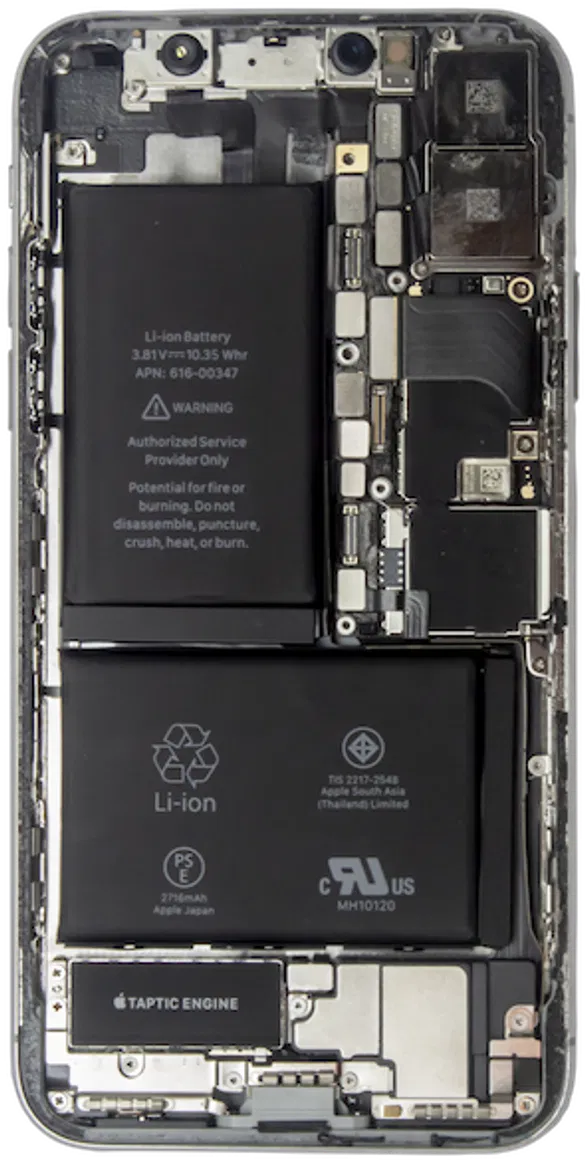
The real enemy isn't the water itself; it's the minerals and impurities in the water. As the liquid evaporates, it leaves behind microscopic deposits of salt, chlorine, or minerals. These deposits begin to eat away at the copper and silver components on your logic board: a process known as corrosion.
A phone might work today but "die" three weeks from now because a critical connection finally corroded through. This is why a professional water damage phone fix is the only way to ensure long-term survival.
The Repaired Collective. Recovery Process
If you want the best chance of "resurrecting the potential" of your device, you need professional-grade tools. When you bring your water-damaged device to us, we don't just "dry it out." We perform a deep-level restoration:
- Full Disassembly: We open the device to expose every hidden drop of moisture.
- Ultrasonic Cleaning: We use specialized machines that use high-frequency sound waves and specialized chemicals to "blast" corrosion and mineral deposits off the logic board without damaging the circuitry.
- Isopropanol Bath: This helps displace any remaining water molecules and ensures a completely dry environment.
- Component Testing: We check the battery, screen, and charging port individually to see what needs replacing and what can be saved.
Whether you're dealing with a Protective 360 Case that didn't quite hold up or a naked phone that took a swim, our goal is the same: premium, reliable recovery.

Sustainable Tech: Repair Not Replace
At Repaired Collective., we believe in the #CircularEconomy. Dropping your phone in water doesn't have to mean adding to the world's #EWaste. By acting fast and seeking professional help, you’re choosing to #RepairNotReplace, saving you hundreds of dollars and keeping toxic heavy metals out of our landfills.
If your device is truly beyond saving (which is rare if you follow our 30-minute guide!), we can help you responsibly recycle it through partners like MetroCycle.org to ensure its components are reclaimed for future tech.
Rest Assured, We’ve Got You
We know how stressful a "liquid incident" is. Your photos, your contacts, and your daily life are all inside that device. Our team treats every water-damage case with the utmost care and paramount urgency. We offer same-day diagnostics and transparent pricing so you aren't left in the dark.
Don't let the corrosion set in. If you've just spent the last 30 minutes following this guide, your next step is to get it to the experts.
To book an appointment for a repair at repairedcollective.com
Our Brooklyn-based technicians are ready to bring your device back to life with the precision and speed you deserve. Whether you're in Bed-Stuy, Williamsburg, or DUMBO, we are your local authority for resilient remedies and superior tech support.
#RepairedCollective #PhoneRepairNYC #NYC #Brooklyn #TechRepair #RightToRepair #CircularEconomy #EWaste #RepairNotReplace #SustainableTech #BedStuy #Williamsburg #DUMBO