
You just got your iPhone screen fixed at a repair shop in Brooklyn. Everything looks great: no more spiderweb cracks staring back at you. But then you open Settings and see something weird: "Finish Repair" sitting right there under your display info.
What the heck is that? Did the repair shop mess something up? Is your phone going to explode?
Deep breath. Your phone is fine. This is actually Apple's way of making sure your new screen works perfectly. Let's break down what's happening, why it matters, and what you need to do next.
What Is This "Finish Repair" Thing Anyway?
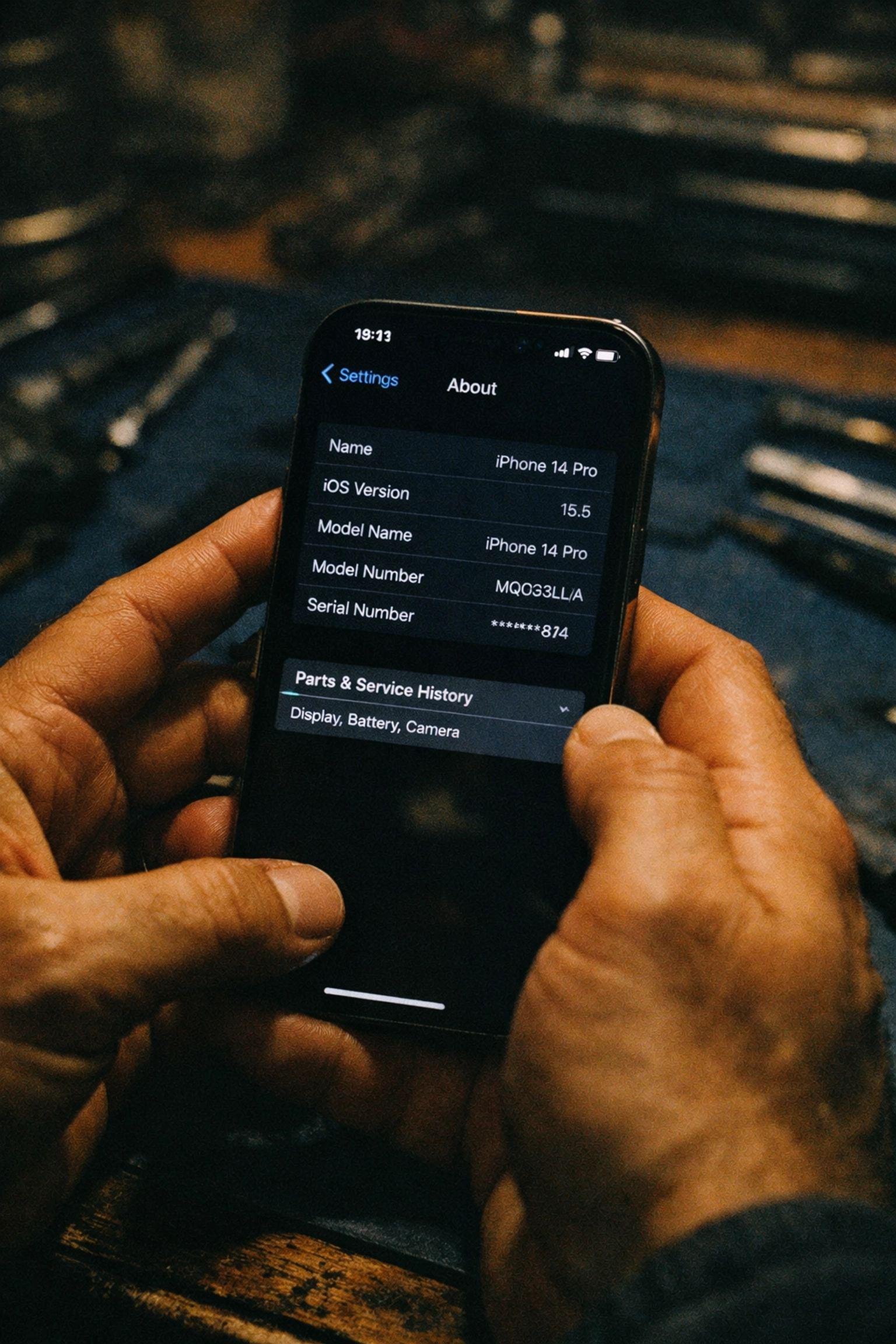
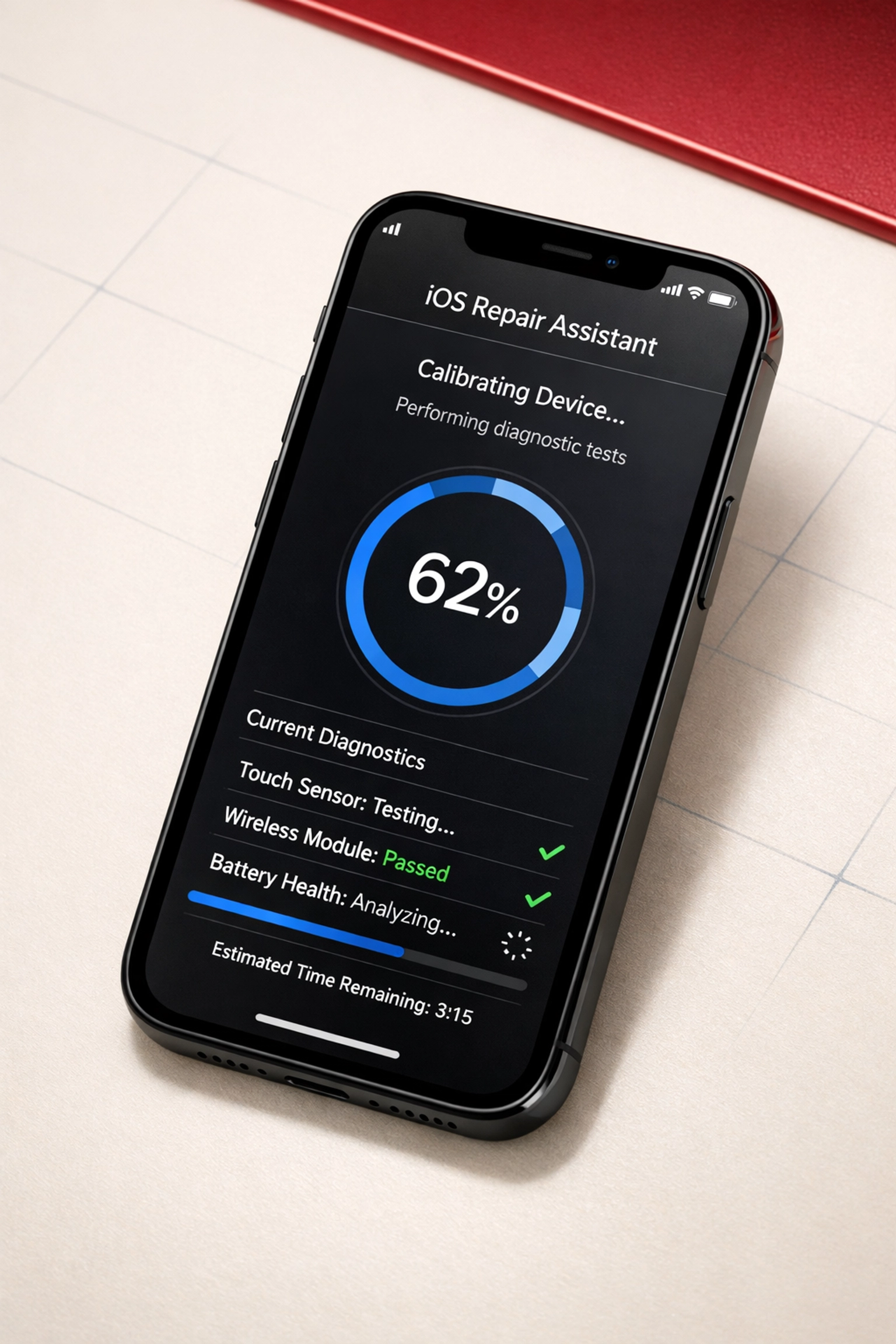
When you see "Finish Repair" in your iPhone's Settings, it means your device is asking you to complete Apple's Repair Assistant process. Think of it like breaking in a new pair of sneakers: except instead of walking around the block, your iPhone needs to calibrate the new screen to work seamlessly with the rest of your device.
Apple introduced this feature (and keeps updating it) as part of iOS to make sure replaced parts: especially screens, batteries, and cameras: function exactly as they should. It's not a bug. It's not a warning. It's just a calibration step.
Here's what's actually happening: Your new display needs to "talk" to your phone's processor and sensors. The Repair Assistant runs diagnostics, checks connections, and makes sure everything from touch sensitivity to True Tone color accuracy works properly.
Why Does This Message Show Up After Screen Repair?
Apple's gotten pretty strict about repairs over the past few years. They want to track what parts are going into iPhones and make sure everything's working correctly after a fix. That's where the Repair Assistant comes in.
When you get your screen replaced in NYC: whether it's in DUMBO, Williamsburg, or Bed-Stuy: the repair shop should initiate this calibration process. But sometimes the process doesn't complete right away, or you might need to finish it yourself at home.
Why? A few reasons:
- Wi-Fi connection issues at the repair shop
- Battery level below 20% during the repair
- iOS version needing an update before calibration can complete
- Server communication problems on Apple's end
The good news? You can complete this process yourself in about 5-10 minutes. No technical skills required.
How to Complete the "Finish Repair" Process (Step-by-Step)
Ready to knock this out? Grab your phone and follow these steps:
Before you start, make sure:
- Your iPhone is connected to Wi-Fi (cellular won't work)
- Battery is above 20% (plug it in if needed)
- You're running the latest iOS version (check Settings > General > Software Update)
Now, here's the process:
- Open Settings on your iPhone
- Tap General
- Tap About
- Scroll down to Parts & Service History
- Look for the "Finish Repair" button next to Display
- Tap Restart & Finish Repair
- Your iPhone will restart and launch the Repair Assistant
- Follow the on-screen instructions (usually takes 3-5 minutes)
- When it's done, tap Restart one more time
That's it. Your screen is now properly calibrated and talking to your iPhone's brain.
What Happens If You Don't Complete the Calibration?
Real talk: Your phone will still work if you ignore that "Finish Repair" message. But you're leaving performance on the table.
Here's what you might miss out on:
Display Performance Issues:
- True Tone might not work correctly (that's the feature that adjusts screen color based on ambient light)
- Auto-brightness could act wonky
- Touch sensitivity might feel slightly off in certain areas
- Display responsiveness could be slower than normal
Security Feature Problems:
If your screen replacement involved any components connected to Face ID or Touch ID, those features won't work at all until you complete the calibration. That means no unlocking your phone with your face, no Apple Pay, no password autofill.
For most people getting iPhone repairs in NYC, this isn't something you want to skip. You paid for a quality repair: why not get 100% of the functionality?
What Does Your Phone Show After Calibration?
Once the Repair Assistant finishes its thing, your Parts & Service History will update with one of two labels:
"Genuine Apple Part" – This means your repair used an original Apple component (OEM part). You'll see this if your screen came directly from Apple's supply chain.
"Used" – This shows up if a refurbished or third-party part was installed. The part might work perfectly fine, but it didn't come from Apple's official channels.
Here's where things get interesting for Brooklyn phone repair: Not all shops use the same quality parts. Some cut corners with cheaper aftermarket components. Others: like repair shops that prioritize quality over quick profits: use premium options that look and feel closer to factory.
Our Screen Options (So You Can Pick What Fits)
At Repaired Collective, we don’t do a one-size-fits-all screen. We offer multiple screen options so you can match your priorities: best-possible quality, best value, or that “just like the original” OLED feel.
Here’s how to think about them:
- OEM / Refurbished screens – The closest match to the original look and performance. Great color, brightness, and overall “factory feel.”
- Aftermarket screens – A more budget-friendly option that still gets you back to a clean, usable display fast.
- Soft OLED screens – A premium OLED option designed to feel more like the original OLED display (especially on OLED iPhone models), with better contrast and viewing angles than basic replacements.
No matter which option you choose, we still run the full “Finish Repair” Repair Assistant calibration. That means your screen is properly paired and tuned for your iPhone: not just installed and sent out the door.
Why Premium Parts and Proper Calibration Actually Matter
Let's be real for a second. When you're searching "fix my iPhone NYC" at 11 PM because you just cracked your screen on the subway stairs, you've got options. Lots of options. Some shops promise $50 screen repairs. Others charge $150+.
What's the difference?
The quality of the part matters. A lot.
Cheap aftermarket screens might look fine for the first week. But here's what often happens:
- Touch sensitivity degrades over time
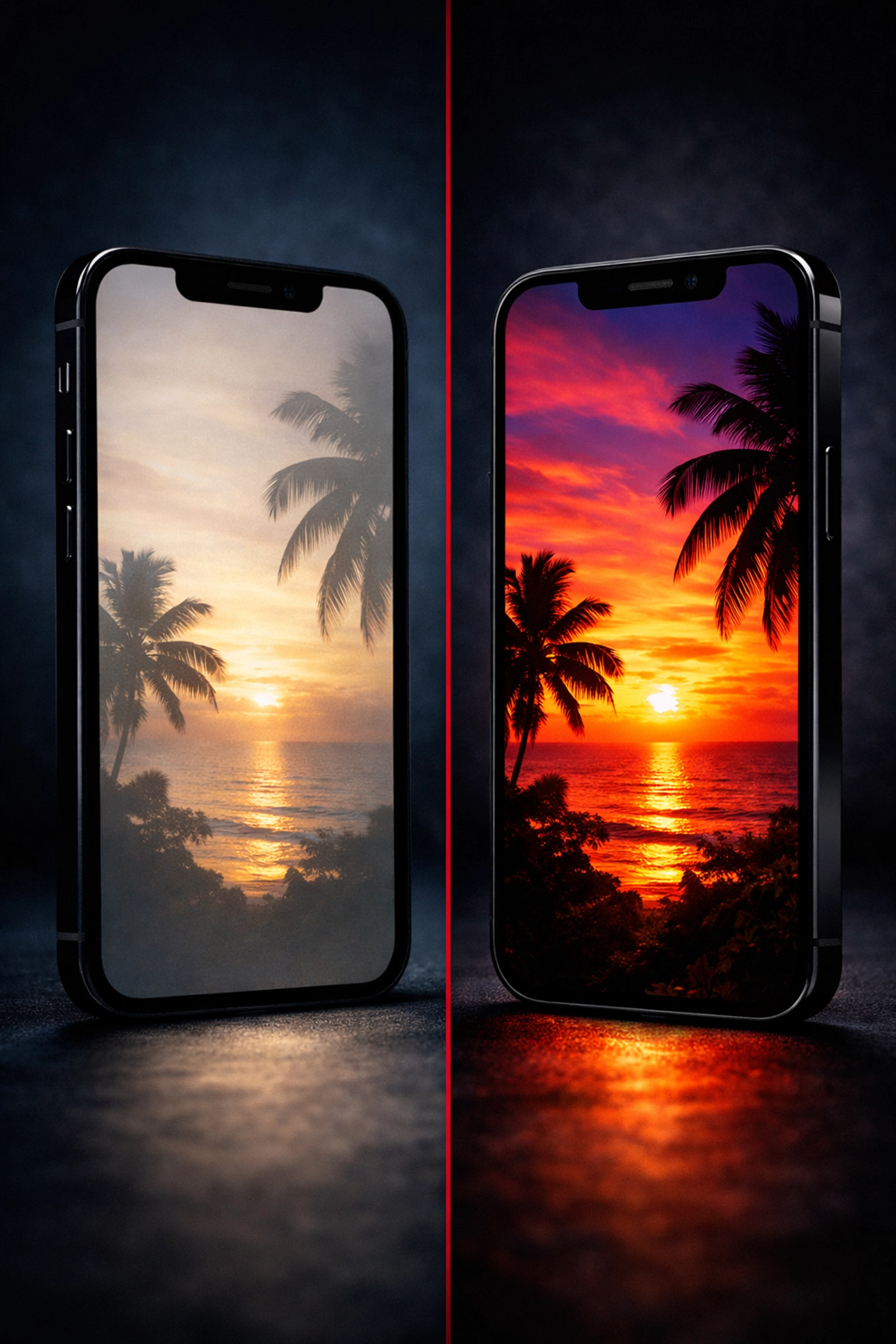
- Colors look washed out or inaccurate
- Screen brightness maxes out at 70% of what it should be
- True Tone and Night Shift don't work properly
- The screen fails completely within 6-12 months
Premium OEM parts, on the other hand, are built to Apple's exact specifications. They include all the proper sensors, the correct digitizer technology, and the components needed for features like True Tone and haptic touch to work perfectly.
And proper calibration? That's the difference between a screen that "kind of works" and one that feels like your phone never broke in the first place.
This is exactly why mobile phone repair services in Brooklyn that focus on quality: not just speed: take the time to:
- Source premium OEM or OEM-grade parts
- Complete the full Repair Assistant process during the repair
- Test every feature before handing your phone back
- Guarantee the work with real warranties
What If You're Getting Server Errors During Calibration?
Sometimes the Repair Assistant throws you a curveball: "Unable to connect to server" or "Calibration failed."
Don't panic. Try these fixes:
1. Update iOS first. Go to Settings > General > Software Update and install any available updates. Apple's servers sometimes need the latest iOS version to complete calibration.
2. Check your Wi-Fi connection. Make sure you're on a stable network. Public Wi-Fi at coffee shops? Might not cut it. Switch to your home network if possible.
3. Restart your iPhone and try again. Sometimes Apple's servers are just having a moment. Give it 30 minutes and retry.
4. Contact the repair shop. If you're still stuck, the shop that replaced your screen should be able to help. Quality repair services in Brooklyn will walk you through troubleshooting or have you bring the phone back for a quick check.
The Brooklyn Advantage: Mobile Repair That Gets It Right
Here's the thing about getting iPhone repairs in NYC: Time is money. You can't afford to have your phone out of commission for three days while it sits at some repair depot.
That's where mobile repair services in neighborhoods like Bed-Stuy, DUMBO, and Williamsburg make sense. A tech comes to you: your apartment, office, favorite coffee shop: and handles the repair on the spot. Premium parts. Proper calibration. Everything done right the first time.
When you work with repair pros who understand the importance of the full repair process: not just slapping a screen on and calling it a day: you get:
- Same-day service that doesn't compromise quality
- Premium OEM parts that last years, not months
- Proper Repair Assistant calibration completed during service
- Real warranties backed by experts who stand behind their work
- Transparent pricing with no surprise fees
You're not just getting a fixed screen. You're getting your life back.
The Bottom Line on "Finish Repair"
That "Finish Repair" message in your Settings? It's not scary. It's actually a good thing: it means Apple cares about making sure your new screen works exactly as it should.
If you see it after a screen replacement, take five minutes to complete the Repair Assistant process. Your display will work better, security features will function properly, and you'll get the full performance you paid for.
And if you're looking for iPhone repairs in NYC that skip the drama: no surprise messages, no wonky calibration issues, no cheap parts that fail in six months: work with repair pros who do it right from the start.
Need a screen replacement that just works? Book a mobile repair appointment and we'll come to you anywhere in Brooklyn. Premium parts, expert calibration, same-day service. No mystery messages in Settings required.
#RepairedCollective #PhoneRepairNYC #NYC #Brooklyn #TechRepair #RightToRepair #RepairNotReplace #CircularEconomy #BedStuy #DUMBO #Williamsburg