
If you've ever stepped outside your Brooklyn brownstone or Manhattan high-rise in February and watched your iPhone plummet from 60% to 15% faster than you can say "polar vortex," you're not alone. It's not your imagination, and it's probably not a dying battery, it's science.
Welcome to the cold snap conundrum that every New Yorker faces when temperatures dip below freezing. Your phone isn't broken (well, probably not). It's just really, really cold. Let's break down why this happens, what you can do about it, and when it might actually be time for a battery replacement.
The Frigid Facts: Why Cold Weather Kills Your Battery
Here's the deal: your iPhone runs on a lithium-ion battery, and these batteries are kind of like New Yorkers themselves: they don't love extreme temperatures. Apple specifically says iPhones work best between 32°F and 95°F (0°C to 35°C). Step outside into a 15°F February morning in Williamsburg, and you're already way outside that comfort zone.
When temperatures drop below freezing, the chemical reactions inside your battery slow down dramatically. Think of it like trying to pour cold maple syrup versus warm: everything just moves slower. This increased internal resistance means your battery can't deliver power as efficiently, causing faster drain and unreliable battery readings.
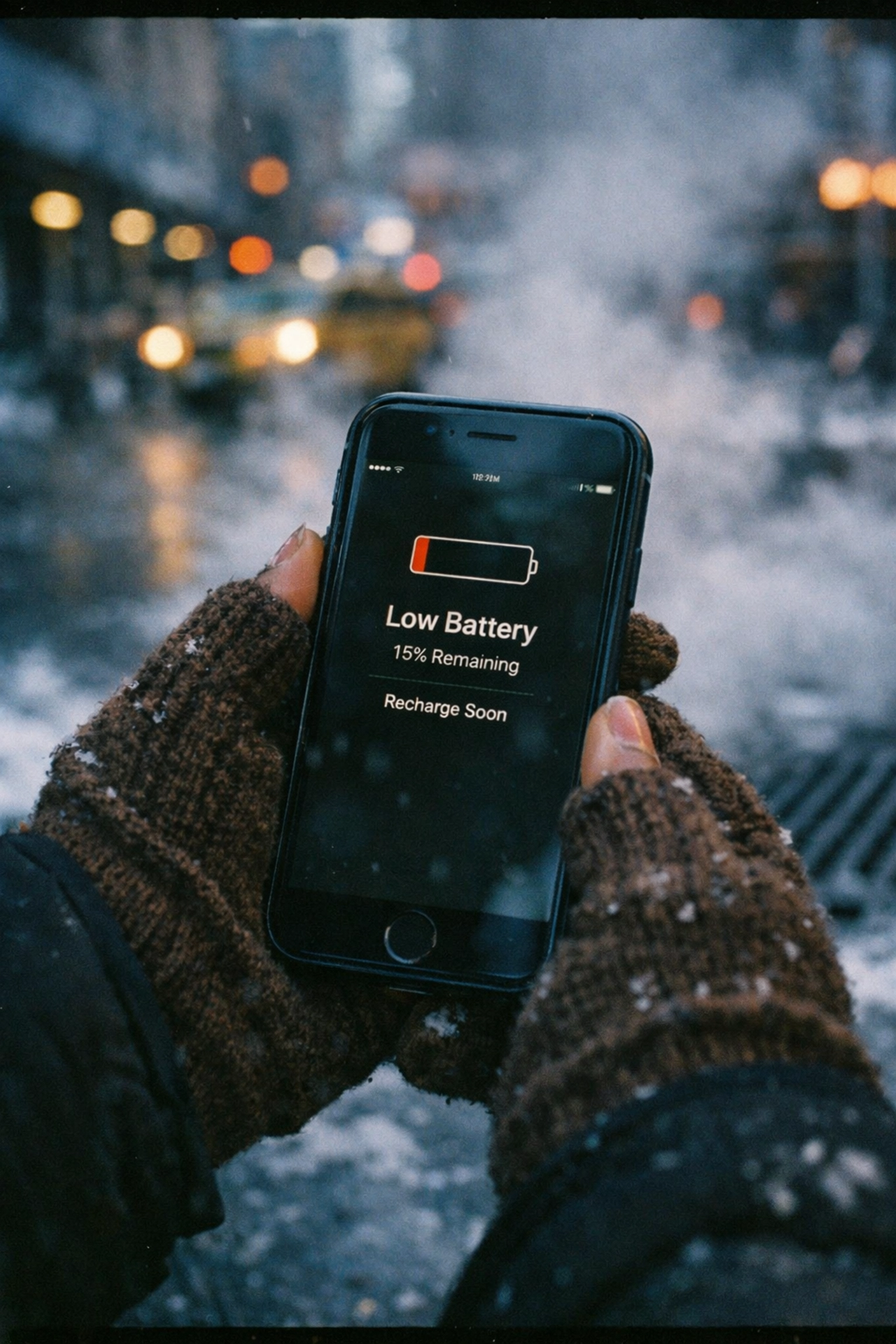
At around 0°F (-18°C), a lithium-ion battery might only deliver about 50% of its normal capacity. That's why your phone shows 30% one second and then just… dies. The battery meter becomes completely unreliable in frigid conditions, leading to those frustrating surprise shutdowns right when you're trying to pull up your MetroCard in the subway turnstile.
The good news? This cold-induced battery drain is usually temporary. Once your phone warms back up, battery performance typically returns to normal. But here's the catch: repeated exposure to extreme cold can cause permanent damage over time.
Signs Your Battery is Struggling (Beyond the Cold)
So how do you know if your battery woes are just a winter weather problem or something more serious? Here are some telltale signs that your battery might need professional attention:
Sudden shutdowns at higher percentages: If your phone dies at 40% or 50% even when you're indoors and warm, that's a red flag.
Sluggish performance: Apple's iOS actually throttles processor speed when battery health degrades to prevent unexpected shutdowns. If your phone feels slower than usual, your battery might be the culprit.
Physical swelling: If your screen is lifting or your case doesn't fit right anymore, stop using your phone immediately. A swollen battery is a safety hazard.
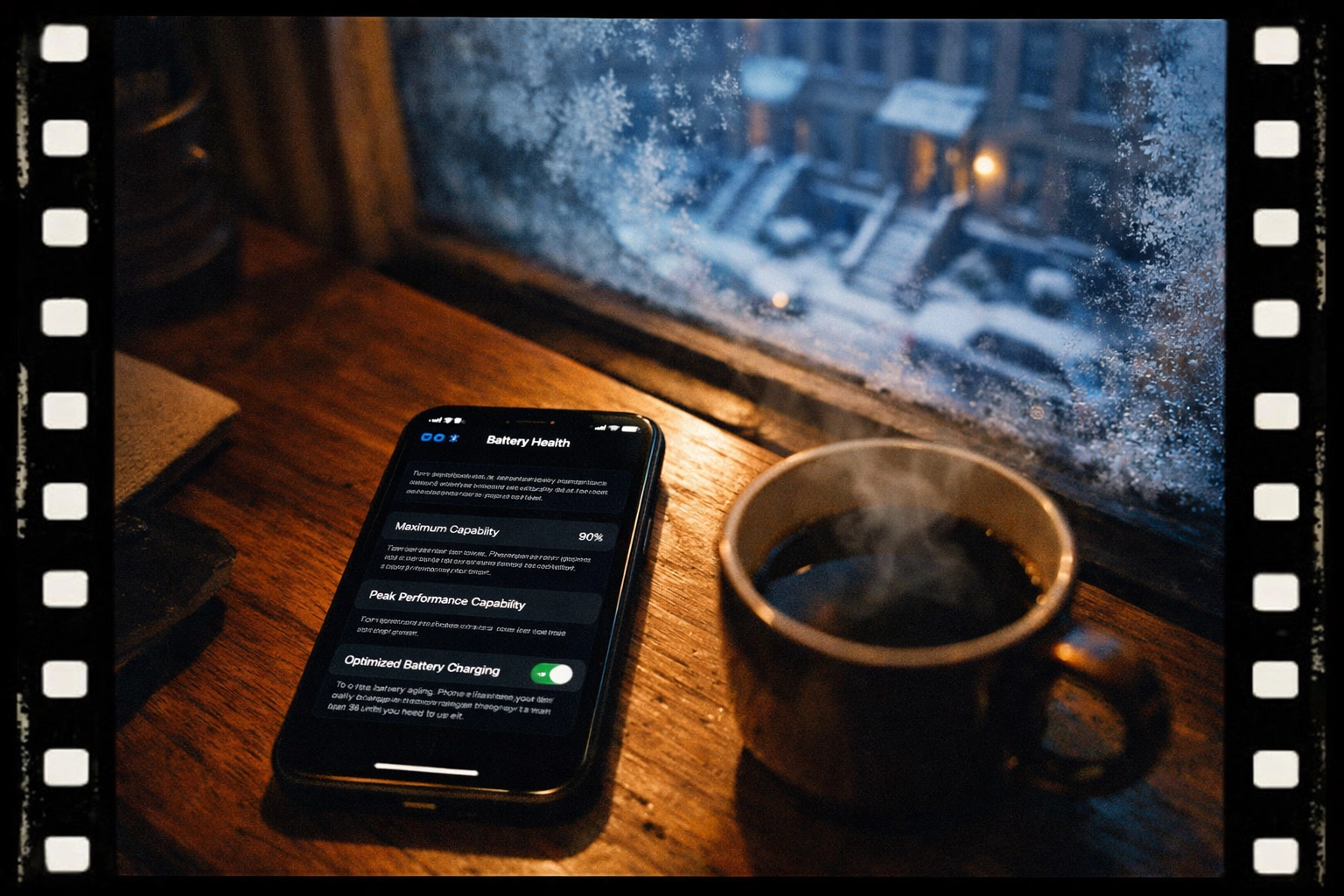
Battery health below 80%: Check your battery health in Settings > Battery > Battery Health & Charging. If you're below 80%, it's time to consider a replacement.
Quick Fixes: Keep Your Phone Warm and Working
Before you panic about needing mobile phone repair NYC services, try these simple strategies to protect your phone during the cold snap:
Keep It Close to Your Body
The easiest solution? Body heat. Keep your iPhone in an inside jacket pocket rather than an outside one. Your pants pocket works too: anything that keeps it insulated from the bitter NYC wind. Avoid leaving it in your bag where cold air can circulate around it.
Enable Low Power Mode
Head to Settings > Battery and flip on Low Power Mode before you head outside. This reduces background activity, dims your screen, and minimizes battery drain when you need every percentage point to count.
Reduce Battery-Draining Features
When you're braving the cold:
- Turn off Bluetooth if you're not using AirPods
- Disable location services for apps that don't need it
- Lower your screen brightness
- Close apps running in the background
Charge Before You Go
Planning to walk across the Brooklyn Bridge in 20-degree weather? Charge your phone to at least 80% before you leave. Since battery drain accelerates in the cold, starting with a fuller battery gives you more runway.
Don't Charge a Frozen Phone
This one's crucial: if your phone has been exposed to extreme cold, let it warm up to room temperature before plugging it in. Charging a cold lithium-ion battery can cause permanent damage and reduce its overall lifespan.

When It's Time for Battery Testing and Replacement
Sometimes the cold just exposes what was already a problem. If you've noticed your battery struggling even in normal temperatures, or if you've had your iPhone for two years or more, it might be time for battery testing and replacement.
Here's what to look for:
- Battery health under 80%: Apple considers this the threshold for "degraded" battery performance
- Frequent unexpected shutdowns: Even after the phone has warmed up
- Can't make it through a normal day: If you're charging twice daily just to keep up, something's off
- Your phone is over two years old: Lithium-ion batteries naturally degrade over time, regardless of how well you treat them
The reality is that a battery replacement is one of the most cost-effective repairs you can do. It breathes new life into an otherwise perfectly good phone and keeps it out of the e-waste stream for another few years.
Why Freeze Outside the Apple Store When We Come to You?
Here's where we come in. At Repaired Collective, we've been handling iPhone repairs NYC for over 10 years, and we've seen every cold-weather battery issue in the book. Deadbeat batteries? Drained devices? We've got the resilient remedies you need.
But here's what really sets us apart: we come to you.
Think about it: why would you stand in the freezing cold waiting for a Genius Bar appointment when we can meet you at your cozy Manhattan apartment or your heated Brooklyn office? Our mobile repair service means you stay warm while we handle the hard work. We bring the tools, the expertise, and the premium parts directly to your door.
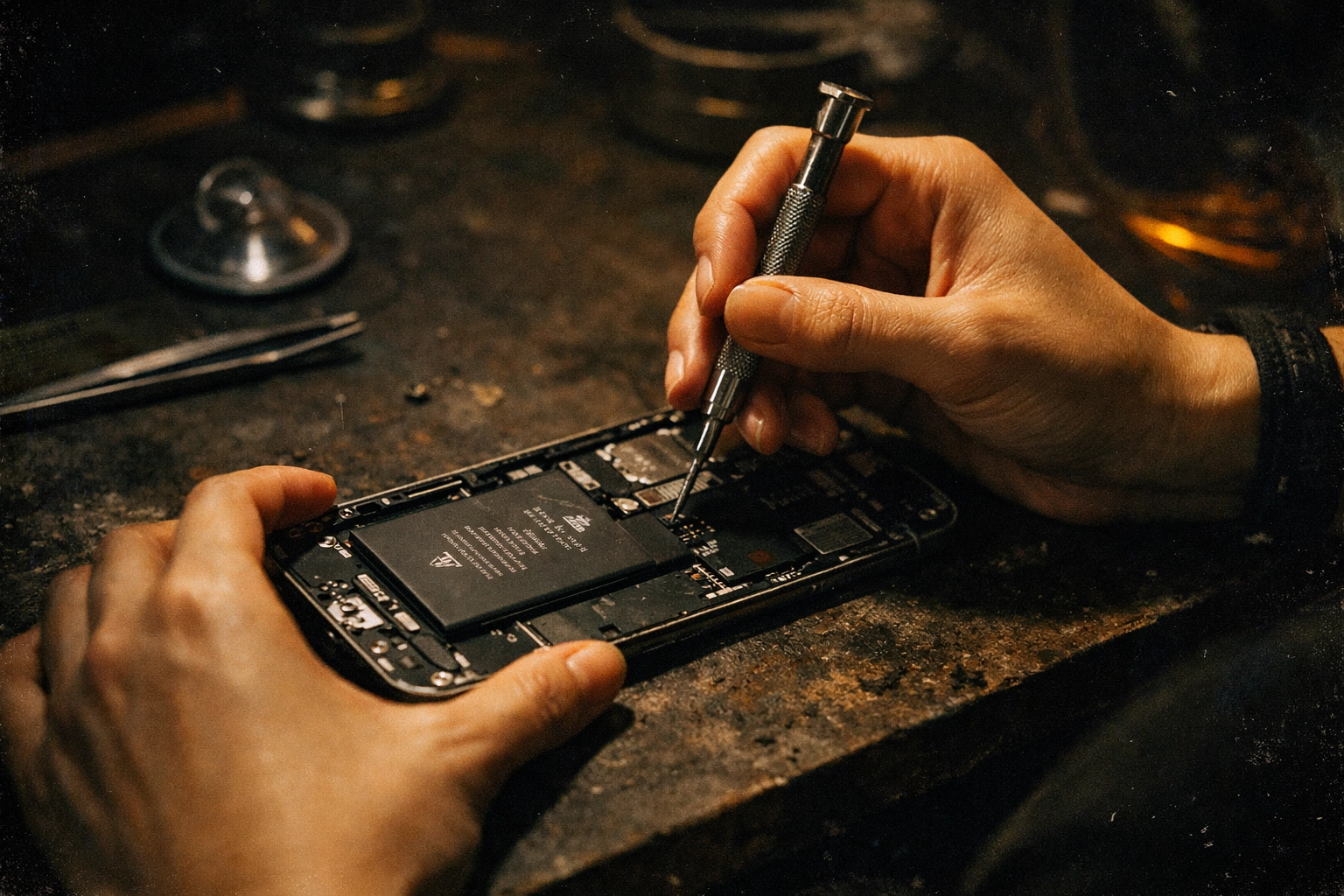
Whether you're in DUMBO, the Upper West Side, Bushwick, or Midtown, our technicians will come to wherever is most convenient for you. Home, office, your favorite coffee shop: we make it work. No subway rides with a dead phone. No standing outside the Apple Store on Fifth Avenue in February. Just convenient, professional service that respects your time and your comfort.
Premium Parts, Superior Service
Not all replacement batteries are created equal. Some repair shops cut corners with cheap aftermarket parts that might cost less upfront but degrade faster and could even damage your phone. At Repaired Collective, we use only premium parts that meet or exceed OEM specifications.
With 10+ years of experience serving New Yorkers, we've built our reputation on quality work and transparent pricing. No surprises, no upsells: just honest, expert repairs that get you back to full battery capacity.
Ready to Resurrect Your Battery?
Don't let the cold snap leave you stranded with a dead phone. Whether you need battery testing to diagnose the problem or a full replacement to bring your iPhone back to life, we've got you covered.
Book your appointment at Repaired Collective and let us come to you. Stay warm, stay connected, and let the professionals handle the rest.
Have an old phone that's beyond saving? Don't toss it in the trash. Visit MetroCycle.org to responsibly recycle your e-waste and keep electronics out of landfills.
#RepairedCollective #PhoneRepairNYC #NYC #Brooklyn #TechRepair #RightToRepair #RepairNotReplace #SustainableTech #EWaste