
It happens when you least expect it. You’re walking through DUMBO, trying to pull up your digital ticket or check a map, and your iPhone goes dark. You press the side button. Nothing. You plug it into your portable charger. Still nothing. This dreaded phenomenon is what we call the Black Screen of Death, and while the name sounds terminal, it’s often just a temporary glitch waiting for the right fix.
At Repaired Collective., we see "dead" iPhones every day. Whether you’re in Williamsburg, Bed-Stuy, or midtown Manhattan, a non-responsive device is more than an inconvenience: it’s a disruption to your life. Before you assume you need a brand-new $1,000 upgrade, let’s walk through the expert troubleshooting steps to see if we can resurrect your device.
What Exactly is the "Black Screen of Death"?
In technical terms, the "Black Screen of Death" occurs when the iPhone’s operating system (iOS) crashes and cannot reboot, or when a hardware component: like the display assembly (the screen and its connected cables): fails to transmit a signal.
Sometimes the phone is actually "on" (it might vibrate or make a sound when you toggle the silent switch), but the screen stays pitch black. Other times, the phone is truly powered down and refusing to wake up. Identifying which one you're dealing with is the first step toward a superior solution.
Step 1: The Deep Charge (Eliminating Deadbeat Batteries)
It sounds simple, but you’d be surprised how often a "dead" phone is simply a deeply depleted one. If your battery hits 0% and stays there for a while, it can fall into a deep discharge state.
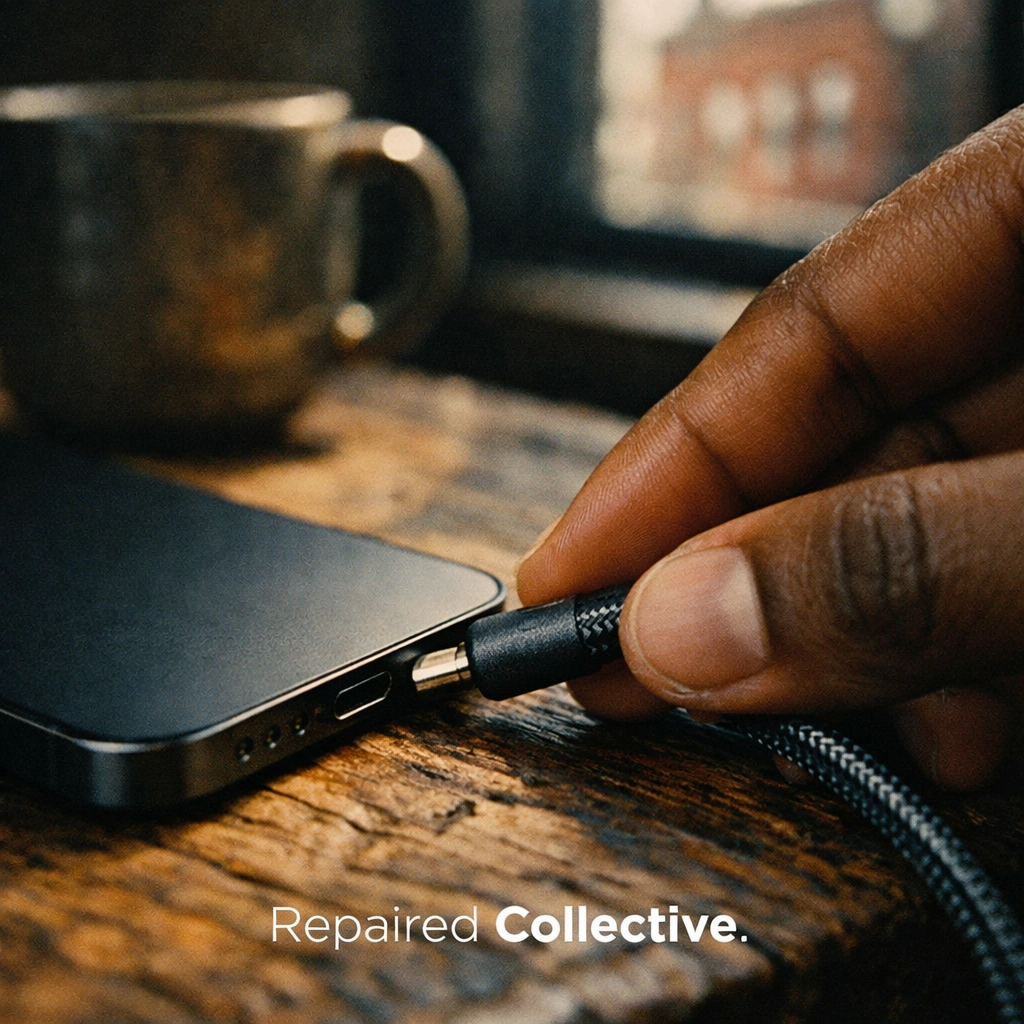
- Use a Premium Cable: Use a genuine Apple or MFi-certified cable. Cheap gas station chargers often fail to provide the consistent voltage needed to "kickstart" a dead battery.
- Wall Power Only: Skip the laptop USB port or the car charger for now. Plug your iPhone directly into a high-wattage wall adapter.
- The 30-Minute Rule: Leave it alone. Don't keep clicking the buttons. Give it at least 30 minutes of uninterrupted juice.
If you see the Apple logo appear after a few minutes, you’ve dodged a bullet. If not, we need to move to more resilient remedies.
Step 2: The Force Restart (A Digital Reset)
When your software gets stuck in a loop, a standard "slide to power off" won't work because the screen isn't responding. You need to perform a Force Restart: think of this as pulling the digital rug out from under the software to force it to start fresh.
The method varies depending on your model:
- iPhone 8, X, 11, 12, 13, 14, and 15 series: Quickly press and release the Volume Up button. Quickly press and release the Volume Down button. Finally, press and hold the Side Button (power button) until you see the Apple logo. This can take up to 15–20 seconds, so don't let go too early!
- iPhone 7 and 7 Plus: Press and hold both the Volume Down and the Sleep/Wake buttons simultaneously until the logo appears.
- iPhone 6s and earlier: Hold the Home button and the Top (or Side) button at the same time.
Performing a force restart clears the temporary memory and can fix disfigured devices suffering from minor software glitches.
Step 3: Checking for "Stealth" Power
Is the screen black, or is the whole phone dead? This is a crucial distinction.
Try toggling the Mute/Silent switch on the side of the device. Do you feel a haptic vibration? Try calling your phone from another device. Does it ring or vibrate? If you hear signs of life but the screen is dark, you don't have a "dead" phone: you have a failed display assembly.
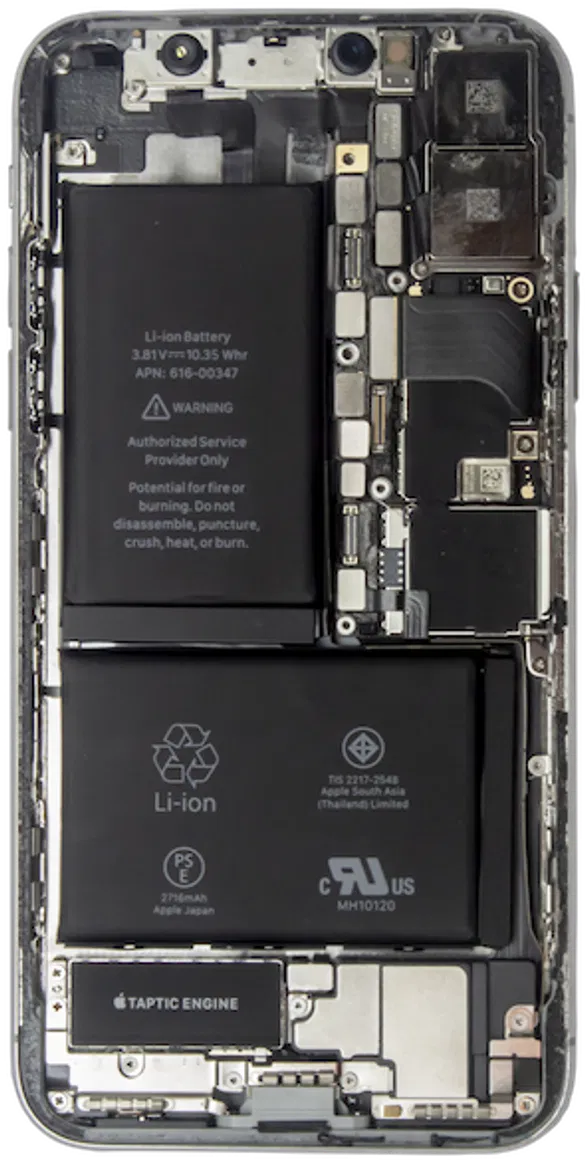
This usually happens after a drop or if moisture has seeped into the internal components (the delicate electronics inside the frame). In this case, no amount of button-pressing will help; you need a professional screen replacement.
Step 4: Recovery Mode and Your Computer
If the Force Restart failed, it’s time to involve a computer. This step attempts to communicate directly with the bootloader (the software that tells the phone how to turn on).
- Connect your iPhone to a Mac or PC.
- Open Finder (on macOS Catalina or later) or iTunes (on Windows or older macOS).
- Perform the Force Restart steps mentioned above, but do not release the buttons when you see the Apple logo. Keep holding them until you see a screen showing a cable pointing toward a computer.
- A prompt will appear on your computer asking if you want to Update or Restore. Choose Update first: this tries to reinstall the OS without deleting your photos or data.
If "Update" fails, "Restore" is the last resort. Be warned: Restore will erase everything on the device.
When to Call the Experts at Repaired Collective.
If you’ve tried the steps above and your screen is still as dark as a Brooklyn subway tunnel at midnight, it's time for a professional intervention. Some problems simply can't be fixed with a software reset. These include:
- Liquid Damage: Even a small amount of "water-resistant" moisture can corrode the 450V AC Condensator or other power-regulating components on the logic board.
- Component Failure: A faulty 80 Plus Gold Modular style power management chip inside the phone might have short-circuited.
- Physical Trauma: A drop might have loosened the display connector or damaged the De-Protection 360 layers of the screen.
At Repaired Collective., we don't just "guess." We use precision diagnostic tools to find the exact point of failure.
Our Screen Repair Tiers
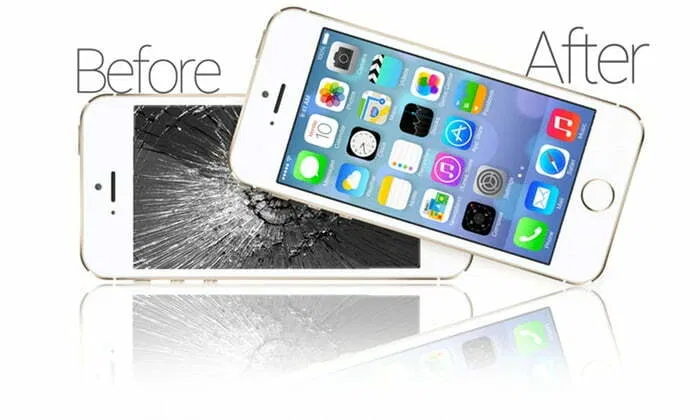
If your "Black Screen" is actually a display failure, we offer three premium tiers to fit your needs and budget:
- Aftermarket Screens: A budget-friendly, high-quality solution for those looking for a quick fix.
- Soft OLED Screens: These mimic the original manufacturer's flexibility and color accuracy perfectly.
- OEM/Refurbished Screens: The gold standard. Genuine Apple panels that have been professionally refurbished to "like-new" condition.
Why Trust Us with Your Dead iPhone?
We know your phone contains your life: your photos, your work, and your connections. We treat every device with the utmost care.
Speed & Convenience: We offer mobile repairs across all areas of NYC and Brooklyn. You don't have to trek to a crowded mall; we can come to you or you can visit our local spots. Most repairs are finished in under 60 minutes.
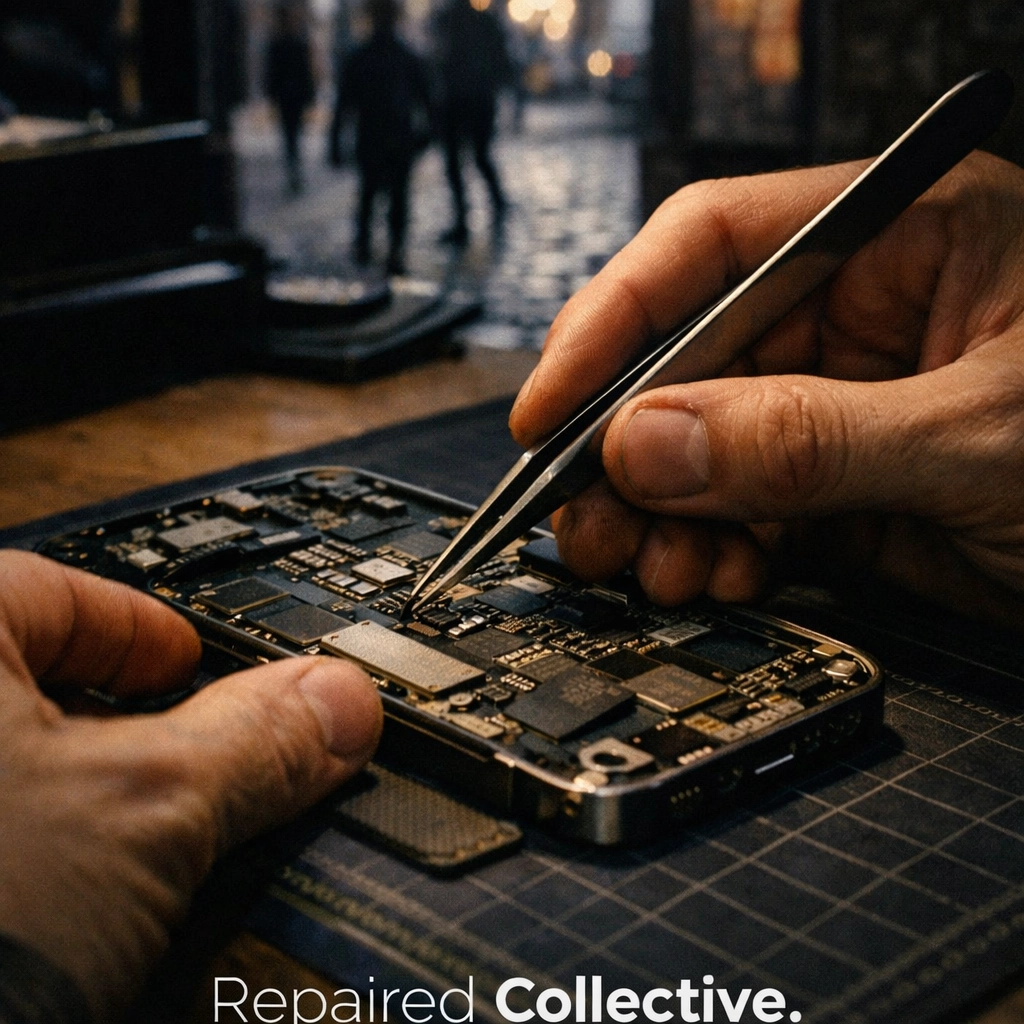
Expertise You Can Count On: Our technicians are seasoned pros. We've seen every version of the black screen, from the SYM Jet X speed of software glitches to complex hardware failures that require microscopic soldering.
Sustainability Matters: We are firm believers in the #RepairNotReplace movement. Every phone we resurrect is one less piece of #EWaste in a landfill. By choosing to fix your device, you are participating in a #CircularEconomy that values longevity over disposability. If a device is truly beyond saving, we can even help you navigate recycling through MetroCycle.
Don't Let a Black Screen Brighten Your Stress Levels
A dead iPhone is a "critical problem," but with Repaired Collective., it always has an "expert solution." Whether you're dealing with a software hang-up or a hardware breakdown, we have the tools, the parts, and the passion to bring your device back to life.
Stop staring at a blank screen. Let us handle the technical heavy lifting so you can get back to what matters.
Ready to resurrect your tech?
Book an appointment for a repair at repairedcollective.com and let our experts give your iPhone the premium care it deserves. We offer same-day service and a warranty that gives you total peace of mind.
#RightToRepair #RepairNotReplace #SustainableTech #RepairedCollective #PhoneRepairNYC #NYC #Brooklyn #TechRepair #Williamsburg #BedStuy #DUMBO