
Your iPhone is your lifeline. Then it slips. The display assembly (what most people call the screen) cracks. Or the charging port (the tiny connector your cable clicks into) starts acting flaky. Apple’s support pages give you the basics. They don’t give you the real-world stuff we see daily doing iphone repairs nyc—from Bed-Stuy apartments to Williamsburg offices, DUMBO studios, and Bushwick cafés.
We’ve repaired thousands of devices across NYC. We’ve seen disfigured devices. We’ve diagnosed deadbeat batteries. We’ve pulled pocket lint out of ports like it was packed concrete. This guide covers what matters: what’s safe to try, what’s risky to ignore, and when a fast fix beats a slow spiral.
Charging Port Problems: Pocket Lint, Bent Pins, and “Dead” Cables
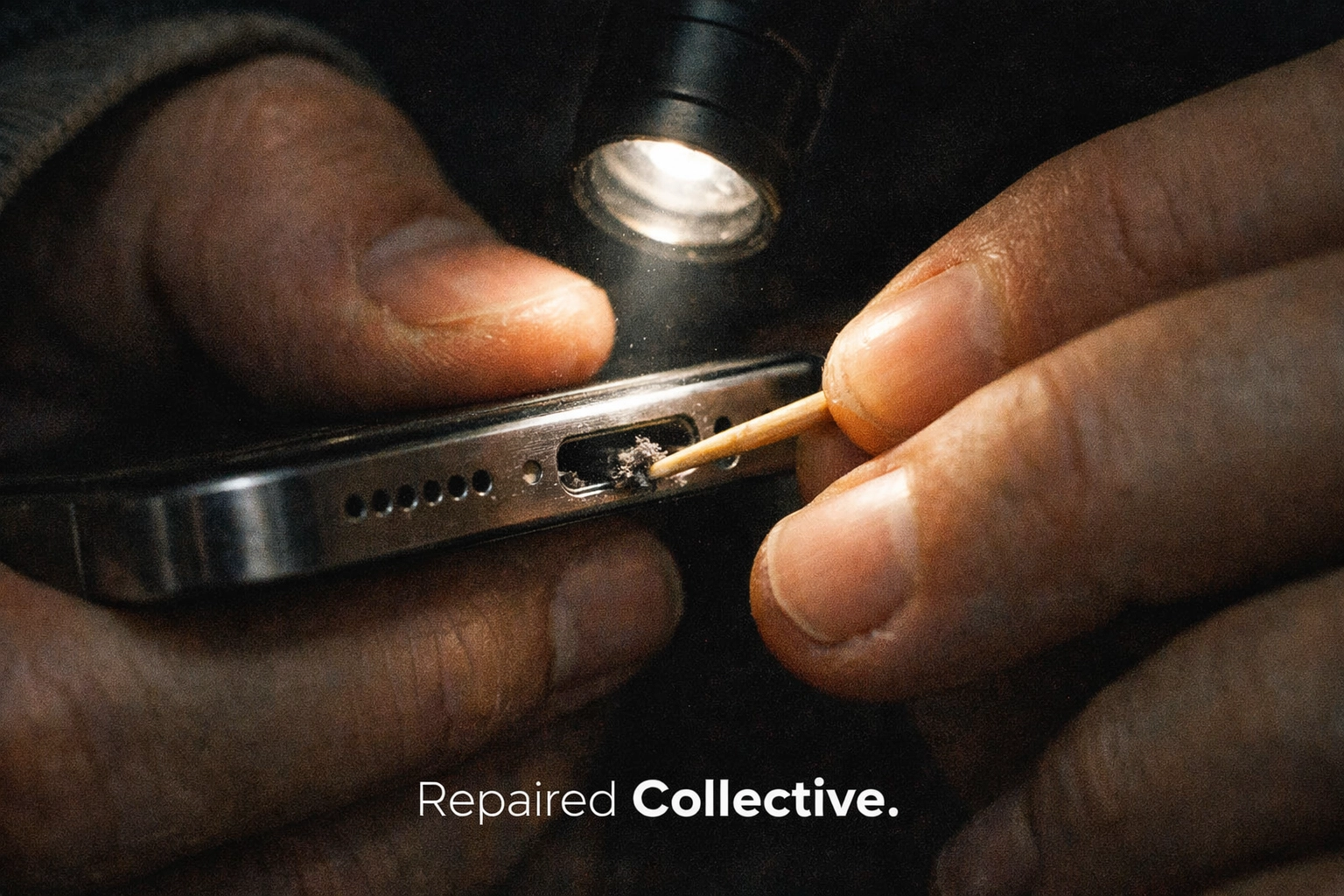
When your iPhone won’t charge, the first suspect is usually the port. Fair. But the most common culprit is boring. Pocket lint.
The charging port (Lightning or USB‑C—your phone’s power/data connector) is basically a tiny tunnel. Your pocket is a fiber factory. Over time, lint compacts in the bottom of the port. Your cable “clicks,” but the connector can’t seat fully. No solid contact. No charge.
Quick checks you can do safely:
- Try a known-good cable and power brick (a wall adapter).
- Look into the port with a flashlight. If you see gray fuzz, that’s your problem.
- Gently remove lint with a wooden toothpick or a soft plastic pick. No metal. Ever.
If it still won’t charge, you may have:
- Bent or broken pins (the tiny gold contacts inside the port)
- Corrosion (oxidation from moisture and grime)
- A failing charging IC (charging controller chip—basically the phone’s power traffic cop)
If you’re seeing intermittent charging, heat near the port, or “Accessory not supported,” stop forcing the cable. That’s how a small problem becomes a shredded port.
Cracked Screen + Ghost Touch: The Lockout Trap Nobody Warns You About
A cracked screen isn’t just cosmetic. It’s mechanical stress plus electrical chaos.
Your display assembly includes:
- OLED/LCD panel (the picture)
- Digitizer (the touch layer—your taps and swipes)
- Flex cables (the thin connectors that carry signals)
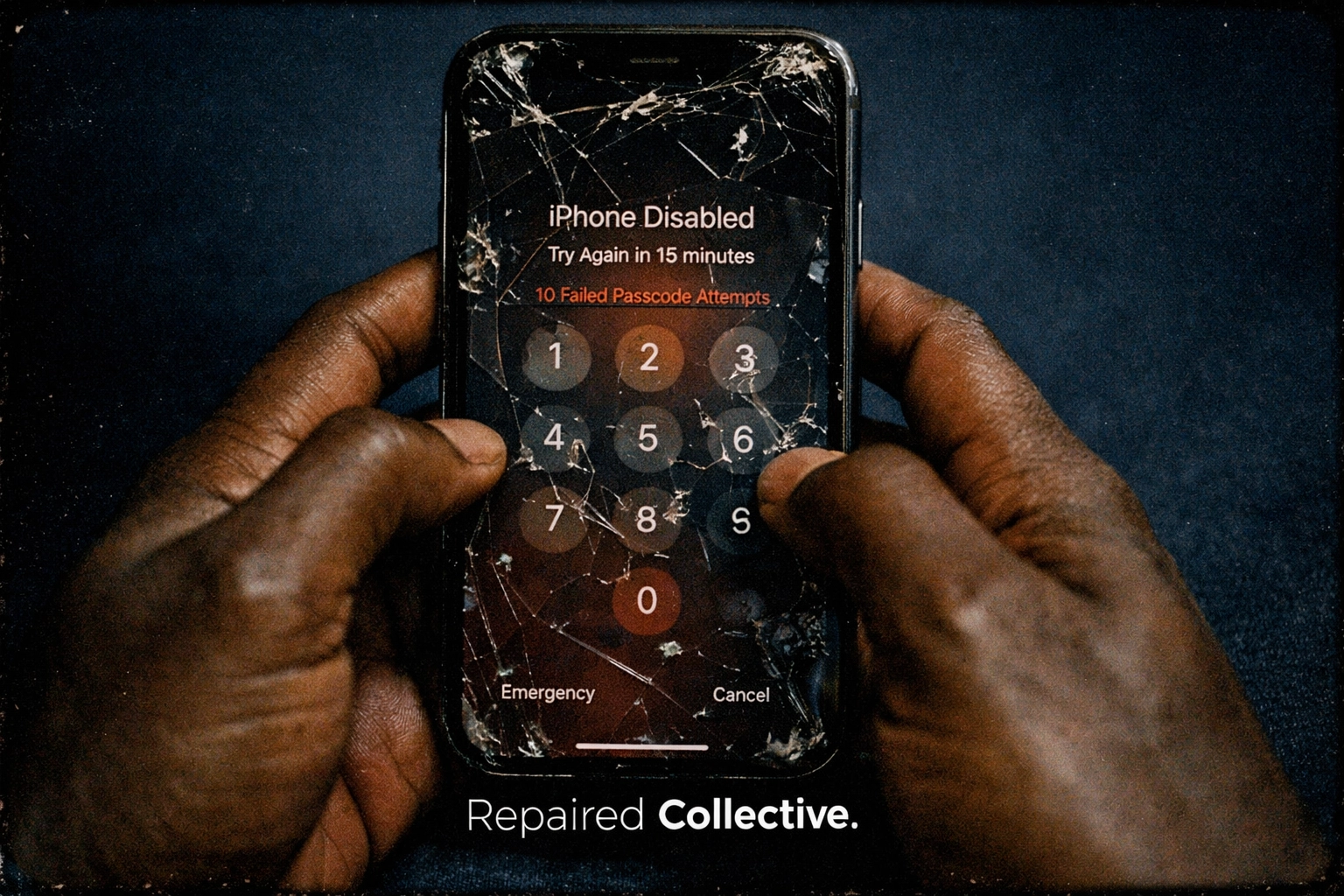
When the digitizer cracks, you can get ghost touch (phantom taps—your phone “touches” itself). It might open apps. It might type random numbers. Worst case? It starts entering your passcode while it’s in your pocket.
iOS has brute-force protection. Too many wrong passcode attempts and your device locks. Sometimes for minutes. Then hours. In extreme cases, it can disable completely until you erase it.
What you should do if you see ghost touch:
- Back up immediately (iCloud or a computer backup).
- Turn on AssistiveTouch (on-screen button—helps if touch is failing).
- If the screen is going wild, power it down and keep it off until it’s repaired.
Waiting is how a “tiny crack” becomes a total lockout. Fast repairs save data. Period.
DIY vs Pro Repair: What’s Actually Safe (and What’s a Shortcut to More Damage)
We’re #RightToRepair people. We respect DIY. But we also respect physics.
Safe-ish DIY moves:
- Cleaning lint from the port carefully (wood/plastic only)
- Swapping a cable or power adapter
- Restarting and updating iOS (operating system—your phone’s core software)
High-risk moves (especially on newer iPhones):
- “Sealant fixes” for cracked glass (they can seep into the speaker mesh and sensors)
- Cheap screen kits with no calibration (True Tone and brightness behavior can get weird)
- Aggressive port scraping (you can tear pins right off the port)
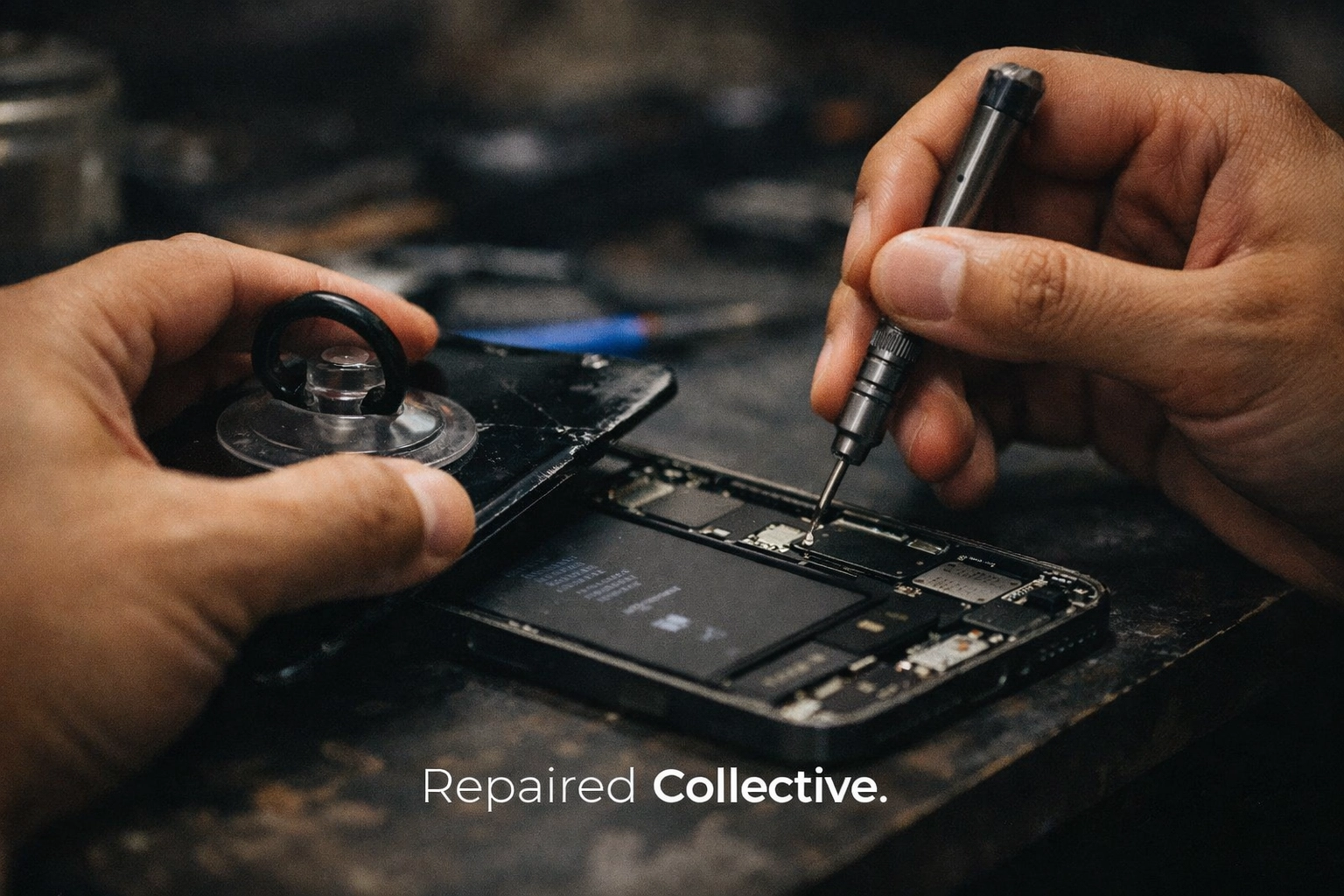
If you need fix phone screen brooklyn service, the difference isn’t just speed. It’s precision. A proper screen repair includes clean seating, correct adhesive, and careful handling of the ear speaker/proximity sensor assembly (the parts that help with calls and screen dimming during calls). Small slips. Big consequences.
Same-Day Mobile Repair in Brooklyn: The No-Wait Way to Get Back to Normal
NYC time is expensive. So is downtime.
Traditional shop workflow:
- Travel there
- Wait
- Leave the phone
- Come back later
That’s two trips and a productivity hit.
Our workflow is simple. We come to you. Home. Office. Café. We handle most common iPhone issues the same day, usually in under an hour—screens, charging issues, battery replacements, and more.
We’re in and out of Bed-Stuy, Williamsburg, DUMBO, and Bushwick constantly. We use premium parts. We stand behind our work. And we explain what we’re doing in plain English.
If repair isn’t the right move, we’ll tell you. That’s part of our Repair / Repeat philosophy: fix what’s fixable, keep devices in use, and cut down on unnecessary upgrades.
Repair, Repeat, Recycle: How to Keep Devices Out of the Trash
Repair is the first win. Recycling is the second.
Every screen you replace instead of replacing the whole phone is less e-waste. That’s circular economy (keeping materials in use longer—less landfill, less mining). It’s also why we’re loud about #RightToRepair.
When your device is truly done—board damage, severe liquid intrusion, or it’s not worth the cost—recycle it responsibly. Don’t stash it in a drawer forever.
Use MetroCycle for electronics recycling to keep batteries, metals, and components out of the trash stream.
Conclusion: Fix the Issue Before It Gets Expensive
A cracked display assembly (your screen system) can turn into ghost touch and a lockout. A “dead” port can be pocket lint—or it can be real pin damage that gets worse every time you force a cable. Either way, the pattern is the same. Small symptoms. Bigger bills.
If you’re dealing with iphone repairs nyc needs and you want it handled fast, clean, and correctly, we’ve got you. Same-day mobile service across Brooklyn and Manhattan, including Bed-Stuy, Williamsburg, DUMBO, and Bushwick.
When you’re ready, book a repair with Repaired Collective. No pressure. Just a solid fix—and a smarter way to keep your tech in rotation.
#RepairedCollective #PhoneRepairNYC #NYC #Brooklyn #TechRepair #RightToRepair #CircularEconomy #EWaste