
You're standing on a snowy Brooklyn corner, waiting for the L train. Your gloved fingers fumble for your iPhone to check when the next train's coming, and: nothing. The screen's black. Dead. But wait, didn't you just charge it to 40% before you left the apartment?
Welcome to winter in NYC, where your iPhone becomes about as reliable as the MTA during a blizzard.
If your phone's been acting weird lately: shutting down randomly, refusing to charge, or moving slower than a tourist on the Williamsburg Bridge: you're not imagining things. The bitter cold we're dealing with right now in Brooklyn and Manhattan isn't just freezing you out. It's doing a number on your iPhone, too.
Here's what's actually happening to your device when the temperature drops, and more importantly, how we fix it fast when cold weather causes real damage.
Why Your iPhone Hates Winter (Spoiler: It's All About the Battery)
Your iPhone isn't being dramatic when it shuts down in the cold. There's actual science behind the sudden shutdowns and sluggish performance.
iPhones are designed to work optimally between 32°F and 95°F (0°C to 35°C). Once you dip below that range: which happens pretty much every February in New York: your device starts struggling.
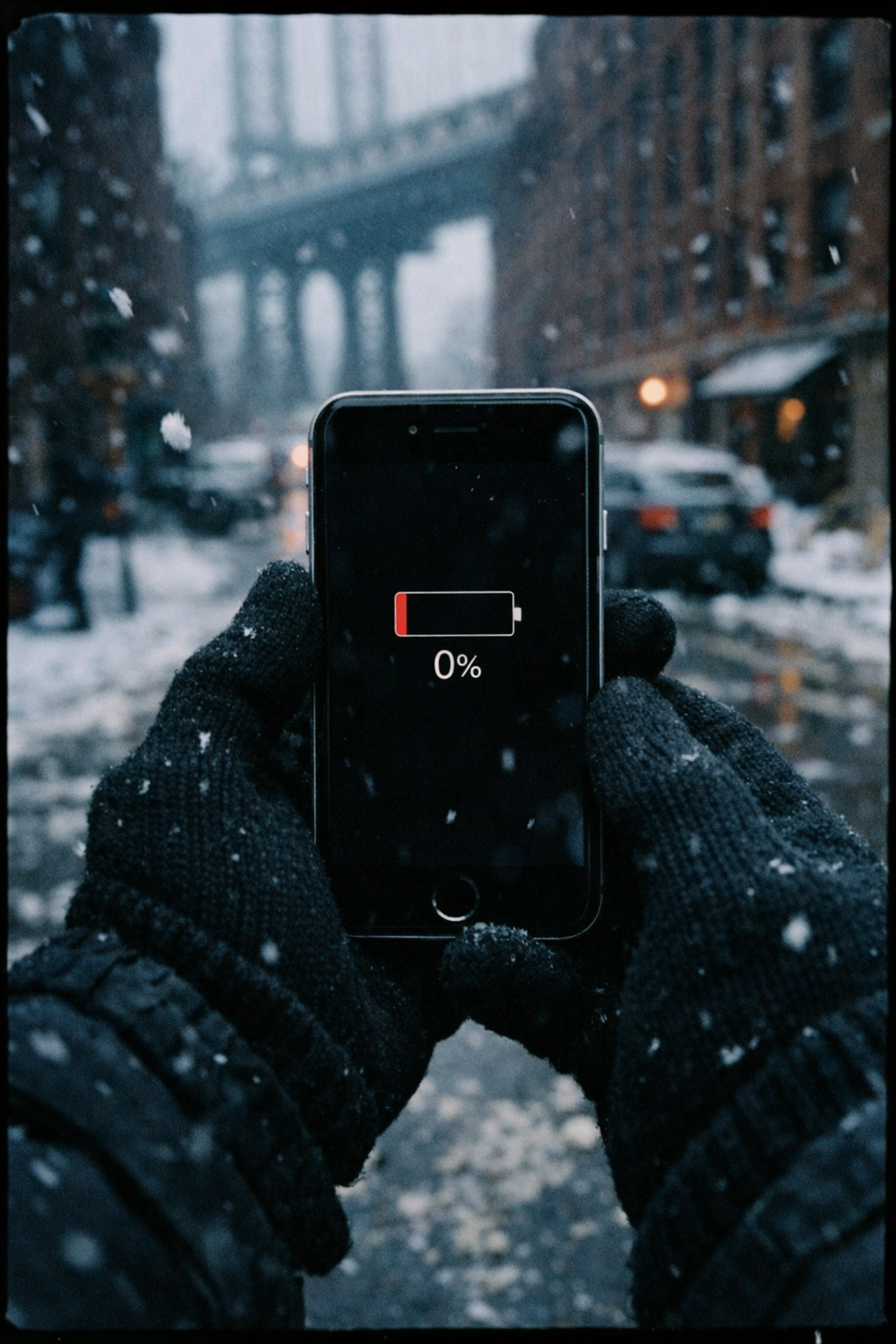
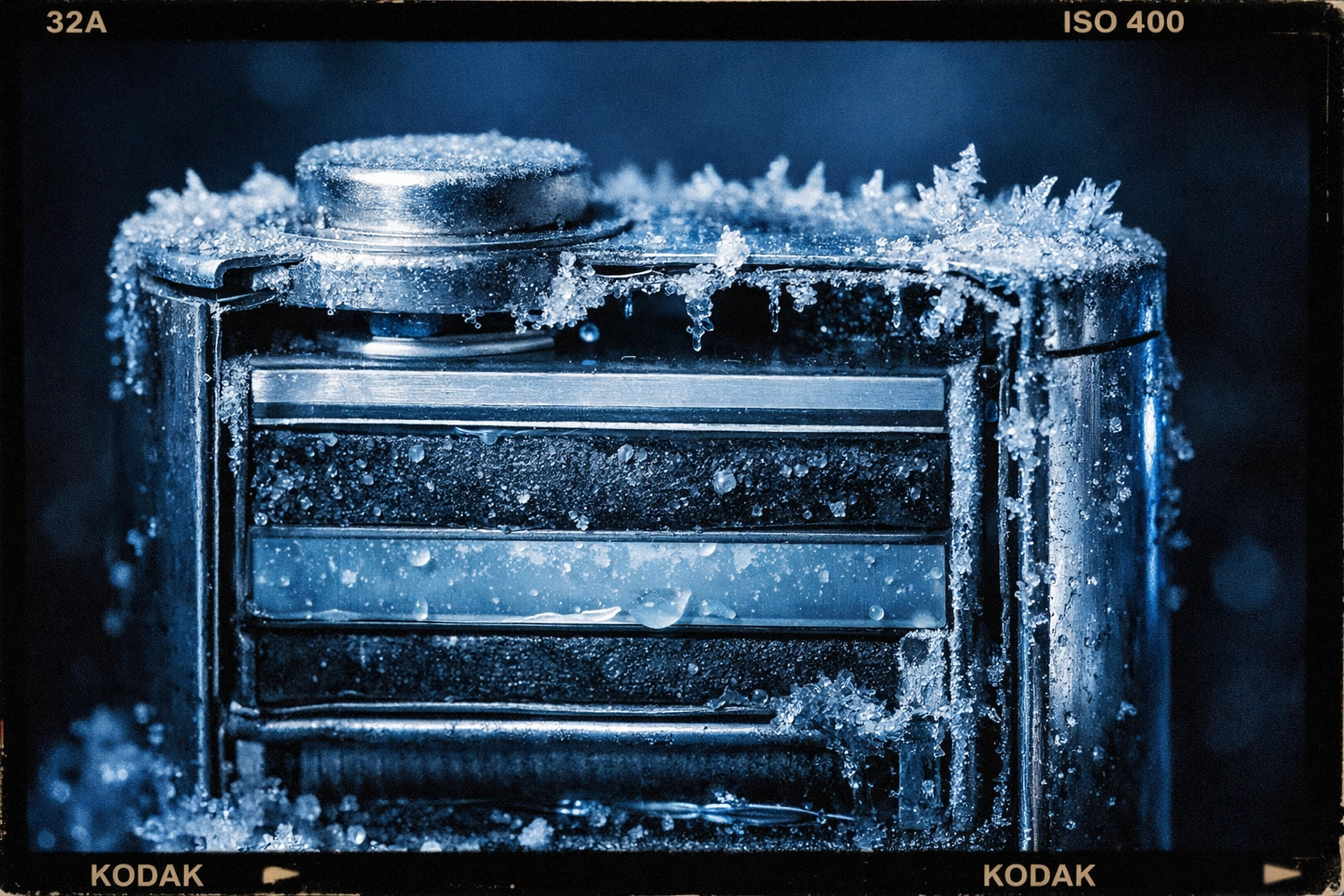
The culprit? Lithium-ion batteries. These power-packed marvels that keep your phone running all day have one major weakness: they hate the cold.
When temperatures drop, the chemical reactions inside your battery slow down significantly. The ions that normally zip around delivering power start moving like they're stuck in midtown traffic during rush hour. This creates something called "increased internal resistance," which is just a fancy way of saying your battery can't deliver the voltage your iPhone needs to function properly.
Research shows that at around 0°F (-18°C), a lithium-ion battery might only deliver 50% of its normal capacity. That's why your phone might show 30% battery, then suddenly die. The battery meter is calibrated for normal temperatures: it has no idea what's happening in the cold.
What Actually Happens to Your iPhone in Freezing Temperatures
So you're trudging through slushy Prospect Park or standing outside a coffee shop in the East Village, and your iPhone starts acting possessed. Here's what's going down:
Unexpected shutdowns: Your phone suddenly powers off even though the battery indicator showed plenty of juice left. This is your iPhone's self-preservation mode kicking in. It's protecting the battery and internal components from potential damage.
Charging catastrophes: You plug in your phone and see a "Charging On Hold" message. Your iPhone won't charge until it warms back up to a safe operating temperature. Even when it does charge, it'll be painfully slow because of that increased battery impedance we mentioned.
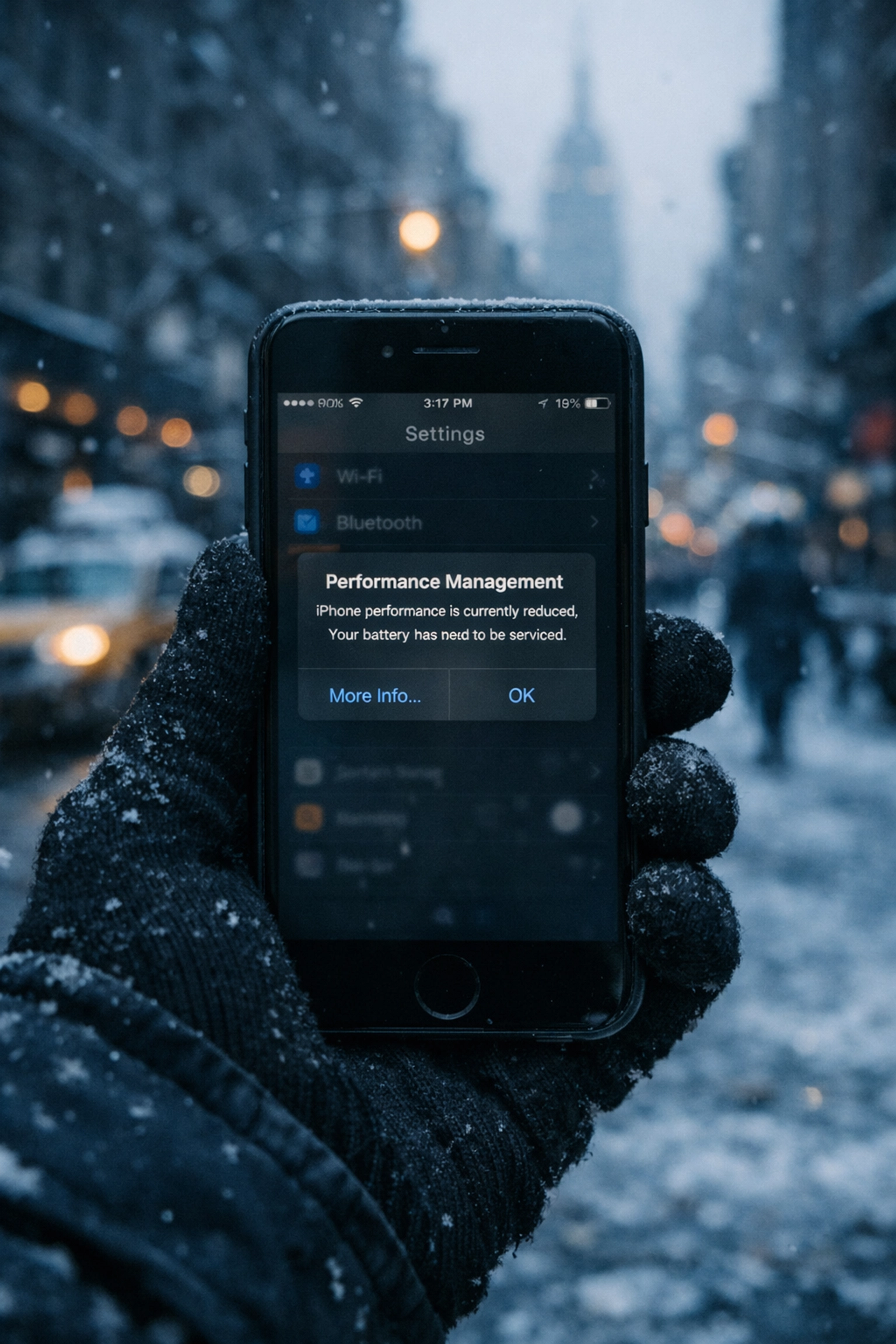
Performance throttling: Apple's not trying to ruin your day: when your iPhone detects extreme cold, it automatically reduces performance to preserve battery life. This means:
- Apps launch slower than usual
- Scrolling feels janky
- Your camera flash might not work
- Speaker volume drops
- Background app refresh stops
- Screen brightness dims
- Frame rates in apps tank
Basically, your $1,000+ device temporarily becomes a very expensive paperweight.
How to Keep Your iPhone Warm (Without Overheating It)
Before we talk about iPhone repairs NYC solutions, let's cover some quick fixes that can help when you're out braving the Brooklyn cold:
Body heat is your best friend. Keep your iPhone in an inside pocket close to your body. Your coat's outer pocket? That's basically a freezer. Deep inside pocket against your torso? That's the sweet spot.
Case up. A good protective case acts like a winter coat for your phone, helping it retain heat. Think of it as insulation: the same way your puffer jacket keeps you from freezing.
Avoid temperature shock. Don't go from a frigid outdoor environment straight to blasting your phone with a hair dryer or sticking it on a radiator. Rapid temperature changes create condensation inside your device, which can cause serious internal damage. Let it warm up gradually.
Keep a power bank handy. External battery packs are lifesavers during NYC winters. They give you backup power when your battery unexpectedly depletes, and they can also provide a bit of warmth in your pocket.
The good news? These cold-weather effects are completely temporary. Once your iPhone warms back up to normal operating temperature, it'll return to its usual speedy self. No permanent damage done: unless…
When Cold Weather Causes Real Damage
Here's where things get tricky. While most cold-weather iPhone issues resolve themselves once you're back in the warmth, sometimes the damage goes deeper.
Dead batteries that won't resurrect. If your battery was already on its last legs before winter hit, the cold can be the final straw. You'll know this is the case if your phone continues to die randomly or won't hold a charge even after warming up.
Cracked screens from temperature stress. The rapid expansion and contraction from moving between frigid outdoor temps and heated indoor spaces can cause tiny cracks to spread or make existing screen damage worse. If you need to fix phone screen Brooklyn services, that winter damage might be why.
Charging port corrosion. Condensation from temperature changes can lead to moisture buildup in your charging port, causing corrosion over time. This prevents proper charging even when your phone is warm.
Battery swelling. In rare cases, extreme temperature fluctuations can cause battery expansion, which is a serious safety issue that needs immediate professional attention.
This is where the "warm it up and hope for the best" strategy stops working. You need real mobile phone repair NYC expertise.
How We Fix Cold-Weather iPhone Damage Fast
Here's the thing about traditional repair shops: dragging yourself through the snow to drop off your phone, waiting days for service, then making another freezing trek to pick it up? That's miserable.
We do things differently at Repaired Collective.
We come to you. Home, office, that coffee shop you're working from in Williamsburg: wherever you are in NYC or Brooklyn, we'll be there. No schlepping through slush required.
Same-day service, typically under an hour. We know you can't be without your phone for days. Most repairs are completed on-site in less than 60 minutes. Fast fixes for frantic phone owners.

Battery replacements that bring your iPhone back to life. If cold weather finally killed your battery for good, we swap it out with a premium replacement that'll handle next winter better. No more random shutdowns or phantom battery percentages.
Screen repairs that seal out moisture. Cracked screens aren't just ugly: they're entry points for moisture during NYC's wet, sloppy winters. We replace damaged screens properly, protecting your device from condensation damage.
Charging port cleaning and repair. Corrosion from winter moisture buildup? We clean it out or replace the port entirely, getting your phone charging reliably again.
Every repair comes with quality parts, expert service, and the confidence that your iPhone will handle whatever winter throws at it: at least until spring finally arrives.
Don't Let Winter Win
Your iPhone might not love New York winters, but it shouldn't leave you stranded on a frozen street corner either.
If your device is still acting up after warming up, or if you're dealing with damage that goes beyond simple cold-weather quirks, we're here to help. Superior service, speedy solutions, and we come straight to you: no matter how nasty the weather gets outside.
Ready to resurrect your frozen phone? Book an appointment at Repaired Collective and get back to scrolling, texting, and ignoring the cold like a true New Yorker.
Stay warm out there. Your iPhone will thank you.
#RepairedCollective #PhoneRepairNYC #NYC #Brooklyn #TechRepair #RightToRepair #SustainableTech #RepairNotReplace