Seeing ‘Non-Genuine Part’ Warnings After Your iPhone Repair? Here’s Why (And How NYC Pros Fix It)
You finally got your cracked iPhone screen fixed. You're feeling good, phone looks pristine, everything seems to work… and then BAM. A notification pops up: "Unable to verify this iPhone has a genuine Apple display."
Wait, what?
If you're seeing this warning message after getting your phone repaired, you're not alone. It's one of the most common questions we get from customers here in Brooklyn, especially during these snowy winter months when folks are dropping their phones on icy sidewalks left and right.
Let's break down exactly what's happening, why you're seeing this warning, and how professional repair shops handle it the right way.
What Does This Warning Actually Mean?
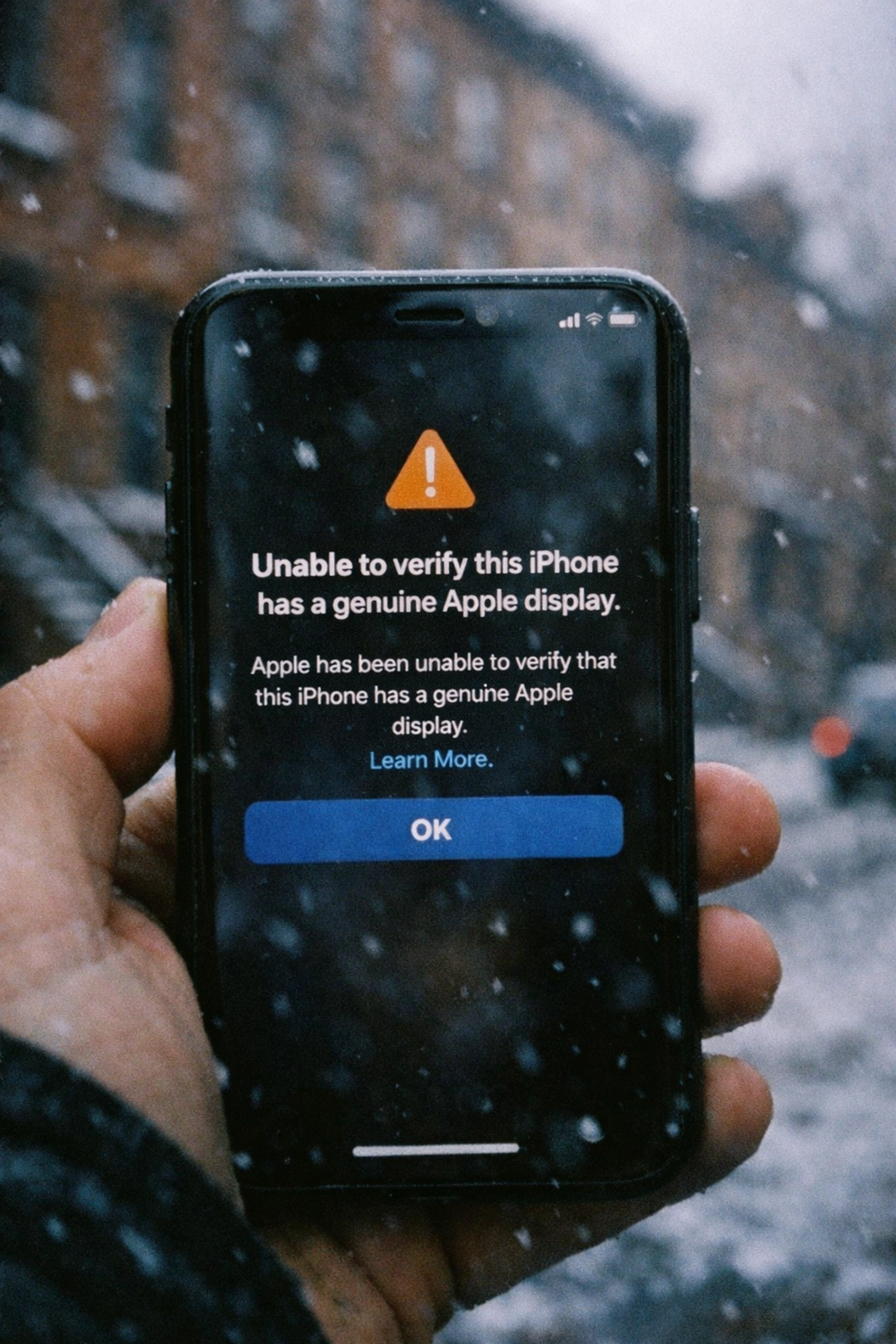
First things first: this warning doesn't mean your repair shop ripped you off with a cheap knockoff part. In fact, here's the kicker, even if a repair technician uses a genuine Apple screen pulled from another iPhone, you'll still see that warning message.
Confusing, right?
Your iPhone isn't receiving some secret signal from Apple HQ saying "Hey, this part is fake!" Instead, your phone is detecting the mismatch locally, right inside the device itself. Apple isn't remotely notified about your repair. This is purely between you and your phone's internal security system.
Think of it like your iPhone doing an ID check at the door. It's looking for a very specific signature that says "this screen belongs to THIS exact phone": and when it doesn't find that match, it throws up a warning flag.
Why Does Apple Do This? (The Technical Breakdown)
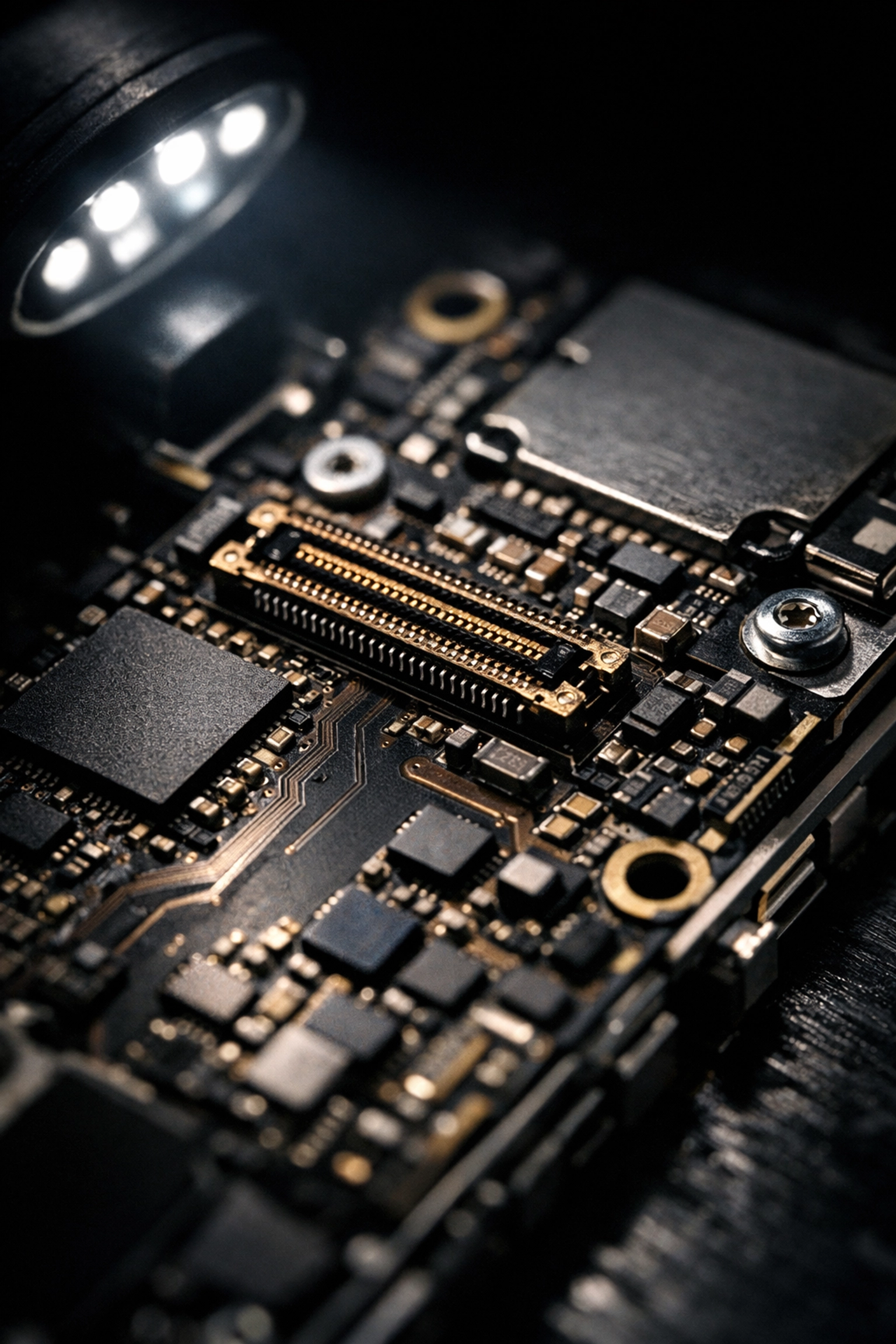
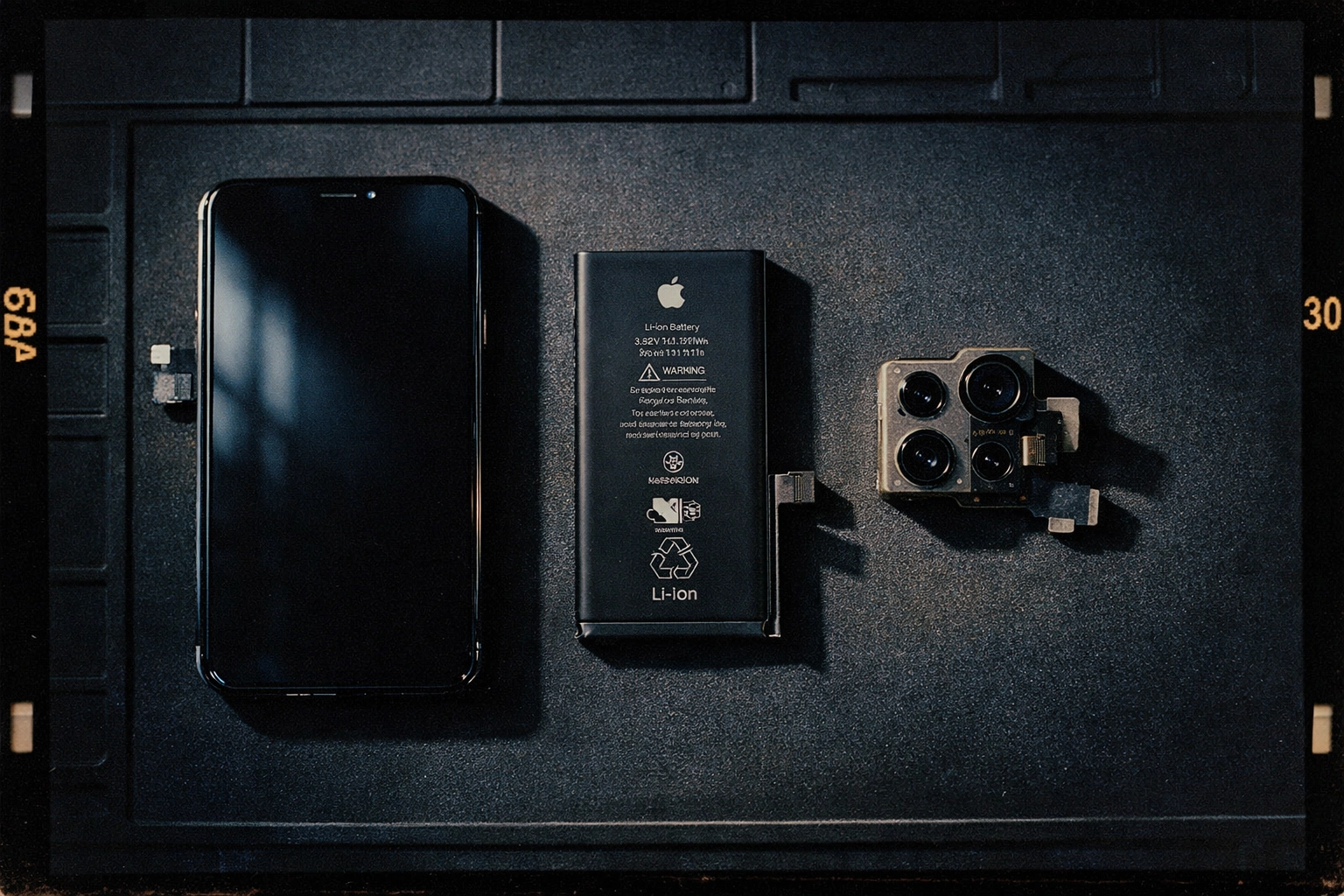
Apple uses proprietary encryption algorithms to "pair" specific components to individual devices. It's part of their security ecosystem, designed to prevent counterfeit parts and unauthorized tampering. Each critical component: your battery, display, camera module: has a unique digital signature that's married to your phone's logic board.
When you replace any of these paired parts, your iPhone runs its internal verification check and realizes something's changed. The replacement part might be functioning perfectly, but it doesn't have that original cryptographic handshake your phone is looking for.
Here's where it gets interesting for anyone looking for iPhone repairs NYC: this system doesn't distinguish between a $20 knockoff screen and a $200 genuine Apple display pulled from another device. Both will trigger the warning because neither has the correct pairing signature for your specific iPhone.
Which Parts Trigger These Pesky Warnings?
Not every iPhone component is paired with Apple's verification system. The big three that'll throw up warnings are:
1. Display/Screen
This is the most common one people see, especially if you're getting a phone screen repair in Brooklyn or anywhere else. Replace your cracked display, and you'll likely see the "non-genuine display" message.
2. Battery
Getting a battery replacement? Expect a similar warning about your battery not being genuine, even though it might be brand-new and high-quality.
3. Camera Module (iPhone 12 and newer)
On newer models, Apple extended this pairing system to the camera. Replace a broken rear camera, and you'll get yet another notification.
Does This Warning Actually Affect Your Phone?
Here's the good news: these warnings don't brick your phone or prevent it from functioning. Your replaced screen will still display images, your new battery will still hold a charge, and your camera will still take photos.
However, there are some legitimate consequences:
True Tone Stops Working
If you had True Tone enabled (that feature that adjusts your screen's color temperature based on ambient lighting), it'll be disabled after a screen replacement. This is purely a software lock: the hardware is perfectly capable, but Apple disables this feature when it detects a non-paired display.
Trade-In Value Takes a Hit
Apple won't accept your device for trade-in if it detects non-genuine parts. If you're planning to upgrade through Apple's official channels, this matters.
Apple Store Service Gets Complicated
Apple Stores and authorized service providers may refuse to work on devices with third-party repairs, even for unrelated issues.
That Annoying Notification
The warning message will appear in your Settings app and can pop up on your lock screen for a few weeks after the repair. It's mostly just irritating.
How Professional Repair Shops Handle This
So you're looking for quality iPhone repairs NYC that won't leave you with annoying warning messages? There are actually a few ways professional shops tackle this problem:
The Microsoldering Solution
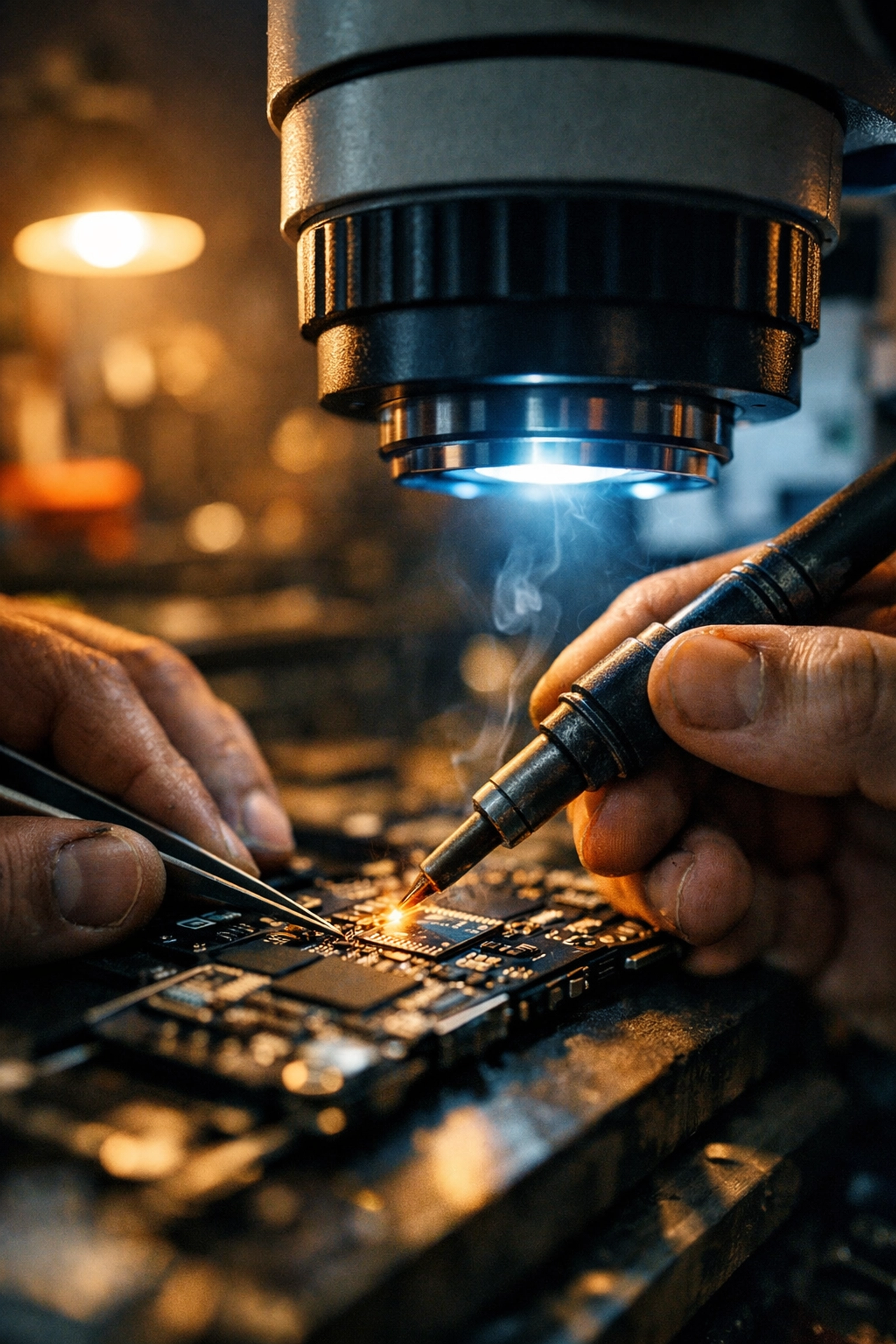
The gold standard involves microsoldering the touch module IC chip from your original display onto a new replacement screen. This is seriously skilled work: we're talking about transferring tiny chips under microscopes with precision soldering equipment. When done correctly, your iPhone recognizes the replacement screen as "genuine" because it still has that original paired chip.
This is the approach we use at Repaired Collective for customers who want zero warnings and full functionality restored, including True Tone. It requires specialized training and equipment that most repair shops simply don't have.
Premium Quality Parts
Even if the warning still appears, using high-quality replacement parts makes a massive difference in how your phone actually performs. There's a huge spectrum of aftermarket screens out there, from garbage-tier knockoffs that'll crack again in a month to premium OLED displays that look and feel identical to the original.
When you come to us to fix your phone screen in Brooklyn, we source premium-grade components that match Apple's specs for brightness, color accuracy, and durability. The warning might still pop up, but your screen will look gorgeous and last.
Honest Communication
Here's what separates reputable repair shops from the sketchy ones: transparency. A good repair technician will explain these warnings upfront, discuss your options, and let you make an informed decision.
Want the microsoldering option to eliminate warnings entirely? We can do that.
Prefer a faster, more affordable repair and don't mind dismissing a notification? That's a totally valid choice too.
Why This Matters for NYC Customers
Living in New York City means your iPhone gets put through the wringer. Subway jostling, sidewalk drops, snow and slush exposure during these February snowstorms: phones take a beating here. You need repairs that last, not temporary Band-Aid fixes.
The "non-genuine part" warning situation is a perfect example of why choosing the right repair shop matters. A corner store might slap on the cheapest screen available and send you on your way. You'll be back in three months with another cracked display.
At Repaired Collective, we're committed to providing repairs that actually solve the problem. We invest in the training, equipment, and quality parts needed to do things right: whether that means microsoldering to restore full functionality or using premium components that'll survive another New York winter.
The Bottom Line
If you're seeing "non-genuine part" warnings after an iPhone repair, don't panic. It's not necessarily a sign you got ripped off or that your phone is damaged. It's Apple's verification system doing its job: sometimes a little too well.
What matters is the quality of the repair itself: the skill of the technician, the quality of the parts used, and whether everything functions as it should.
If you're dealing with a cracked screen or any other iPhone issue here in NYC, book an appointment at Repaired Collective. We'll walk you through your options, explain the warning situation honestly, and deliver a repair that lasts through whatever Brooklyn throws at it: be it snowstorms, subway chaos, or that inevitable next coffee spill.
Your phone doesn't need to show warning messages to work perfectly. But when you want both premium performance and verification success, we've got the expertise to make it happen.
#RepairedCollective #PhoneRepairNYC #NYC #Brooklyn #TechRepair #RightToRepair #RepairNotReplace #CircularEconomy